How to share a checklist template in ClickUp
Here is how to share a checklist template in clickup
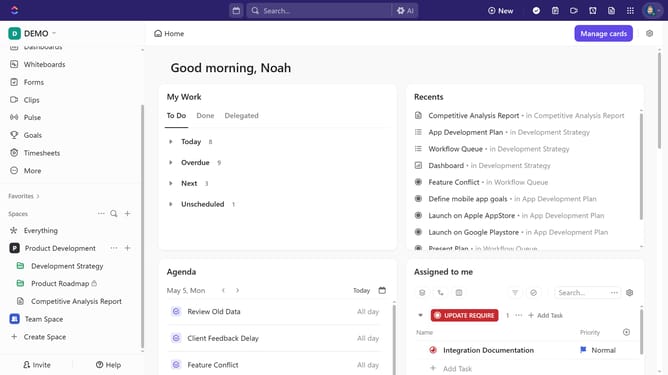
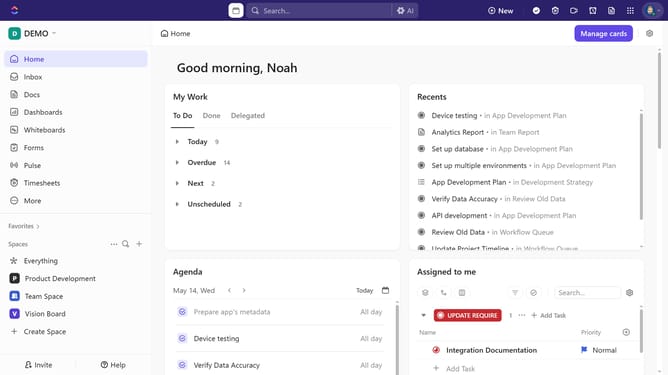
- First click on the Worksapce Avatar in the top left corner
- Next click on "Template Center" option in the workspace dropdown menu
- Select the "Checklist" filter from the Template Types sidebar
- Then in the templates list, find and click the checklist template you want to share
- Click on the "Share" button in the template preview
- Finally select a sharing option from the share settings dropdown menu
Why should you share a checklist template in ClickUp
ClickUp is a versatile project management tool designed to streamline productivity and collaboration.
Sharing a checklist template in ClickUp ensures that your team stays aligned on tasks and processes effortlessly. This feature allows you to efficiently distribute pre-set workflows, ensuring consistency across all projects.
Using checklist templates saves time and enhances team coherence, providing a reliable framework for maintaining quality and efficiency in repetitive tasks. Its collaborative nature fosters seamless communication, ultimately leading to improved project outcomes.
Last update