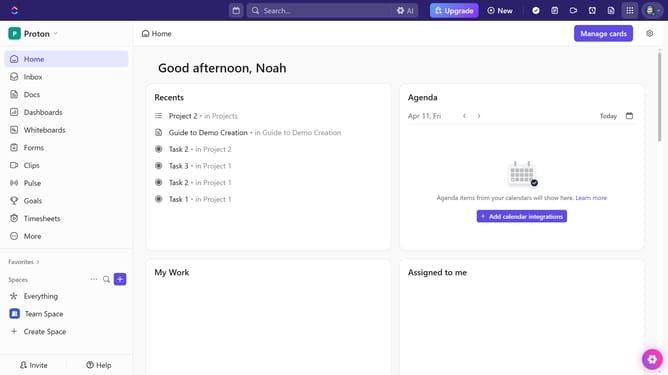
How to share a channel from the Chat sidebar in ClickUp
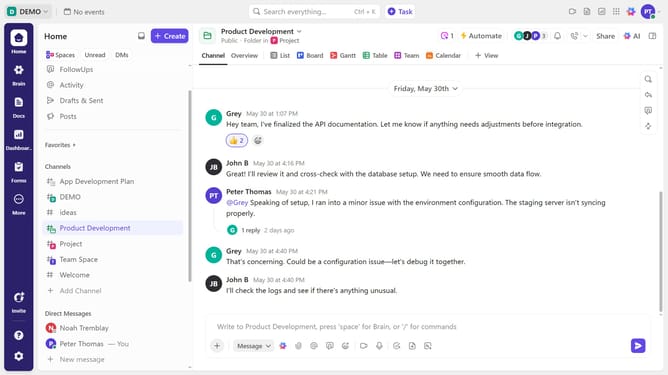
Here is how to share a channel from the chat sidebar in clickup
- First, locate the channel you want to share in the Chat sidebar and right-click on it
- Then select "Copy link" to copy the channel’s link to your clipboard
Why should you share a channel from the Chat sidebar in ClickUp
ClickUp is a versatile project management tool designed to enhance productivity and team collaboration.
Sharing a channel directly from the Chat sidebar streamlines communication by allowing teams to effortlessly distribute relevant information across different departments or project groups.
Utilizing this feature ensures that everyone stays on the same page, promoting transparency and improving workflow efficiency. As a result, teams can easily access, interact with, and build upon shared data without unnecessary back-and-forth, maximizing productivity.
Last update