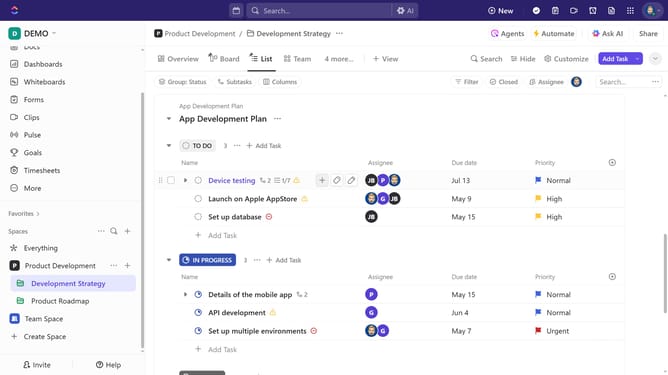
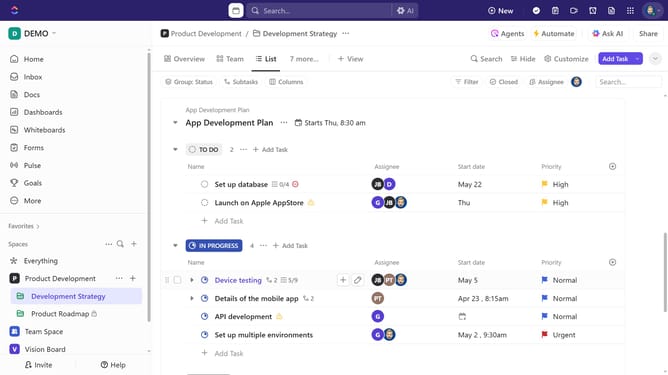
How to create a List from a template in ClickUp
Here is how to create a list from a template in clickup
- First in the left sidebar, click the "More options" menu next to a Space, Folder, or List
- Next click on the "Templates" option from the dropdown menu
- Select "Browse Templates" from the submenu
- Search for a template or filter for List templates using the sidebar
- Then, click on the template that best fits your needs
- Click the "Use Template" button
- Next enter the list template name in the "List name" field
- Click the location dropdown menu
- Select a Space or Folder from the list
- Next customize the template’s "Import options" and "Project dates" as needed
- Finally click the "Use Template" button to finalize
- Your new List has been created successfuly from a template and is ready to use
Why should you create a List from a template in ClickUp
ClickUp is a versatile productivity platform designed to streamline project management and collaboration.
Creating a List from a template in ClickUp allows you to swiftly reproduce complex task setups with just a few clicks. This feature helps ensure consistency and saves valuable time, especially when managing recurring projects.
By leveraging templates, teams can focus more on executing tasks rather than setting them up, enhancing overall efficiency and productivity.
Ultimately, this empowers you to maintain organized workflows, fostering a more effective working environment.
Last update