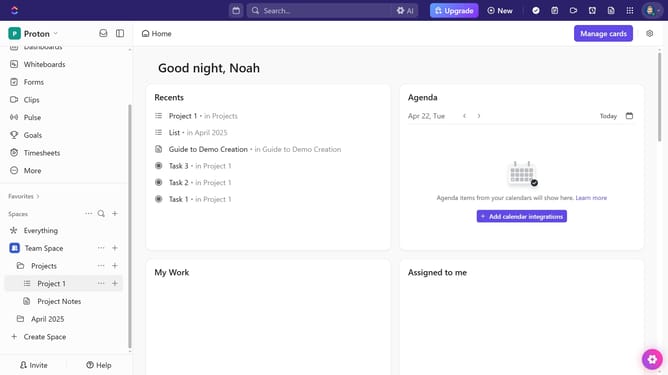
How to share a channel from the details sidebar in ClickUp
Here is how to share a channel from the details sidebar in clickup
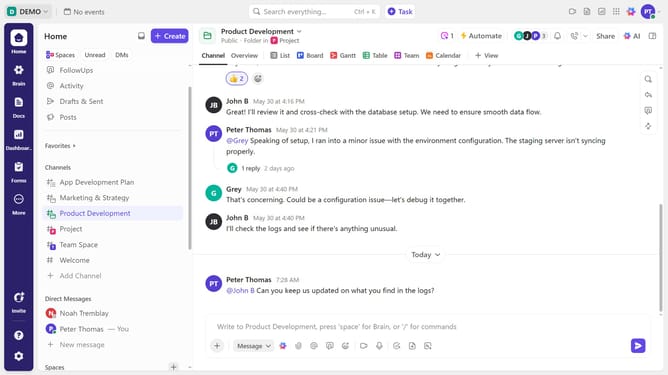
- First navigate to the channel you want to share
- Next click on the sidebar icon in the top-right corner to open the details sidebar
- Locate the Followers section and click the search bar
- Then search for the team member you want to add
- Finally, hover over their name and click on the "Add as Follower" button
- The person will gain access to the Channel and become a Follower
Why should you share a channel from the details sidebar in ClickUp
ClickUp is a versatile project management tool designed to optimize productivity and collaboration across teams.
The ability to share a channel from the details sidebar in ClickUp streamlines communication by allowing users to seamlessly connect with team members or external partners.
This feature ensures that everyone involved has access to the same crucial information, fostering transparency and reducing miscommunication.
By using this feature, teams can collaborate more effectively, ensuring that projects stay on track and goals are met efficiently.
Last update