How to activate Time Estimates for your workspace in ClickUp
Here is how to activate time estimates for your workspace in clickup
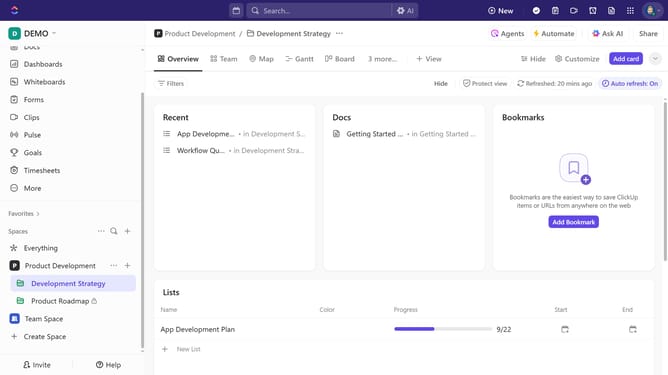
- First click your Workspace avatar in the top left corner
- Next click on the "App Center" option in the workspace dropdown menu
- In the App Center, click on "All ClickApps" in the left sidebar under CLICKAPPS section
- Find "Time Estimates" and click the toggle to activate the "Time Estimates" for your Workspace
- Click on the "Enable in" dropdown menu
- Select the specific spaces you want to enable Time Estimates
- In the "Hours per day" input field, set the number of hours per day
- Finally, under "Display estimates in," select "Hours" or "Days" based on your preferred tracking format
Why should you activate Time Estimates for your workspace in ClickUp
ClickUp is a powerful all-in-one productivity platform designed to help teams organize and manage their work efficiently.
Activating Time Estimates in ClickUp is a game-changer for your workspace, allowing for precise project planning and resource allocation. This feature enables teams to anticipate workloads and deadlines with greater accuracy.
Using Time Estimates enhances productivity by providing a clear overview of task durations, which aids in better scheduling and time management. It’s particularly beneficial for teams that rely heavily on meeting strict deadlines. Embracing this feature fosters a more organized, transparent, and efficient work environment.
Last update