How to rename a dashboard in ClickUp
Here is how to rename a dashboard in clickup
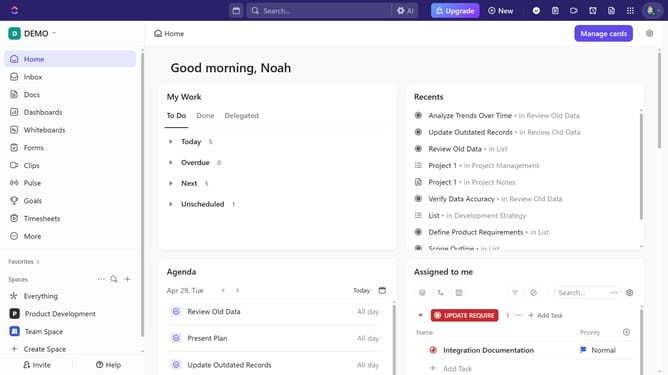
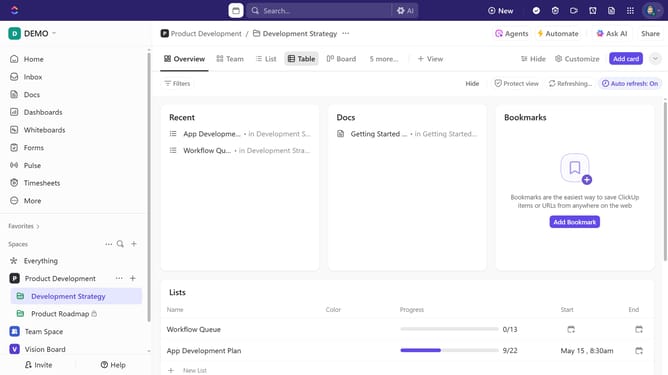
- First locate and open the Dashboard you want to rename
- Then, click directly on the current dashboard name at the top of the page to edit it
- Finally enter the new name and press "Enter" to save the changes
Why should you rename a dashboard in ClickUp
ClickUp is a versatile project management platform designed to streamline workflows and boost team productivity.
Renaming a dashboard in ClickUp is a straightforward feature that fosters an organized workspace. Custom names allow users to instantly recognize the content, improving navigation and efficiency.
Moreover, personalizing dashboards enhances clarity and focus, crucial for team members managing multiple projects. This feature supports seamless collaboration, ensuring everyone stays aligned with project goals.
Last update