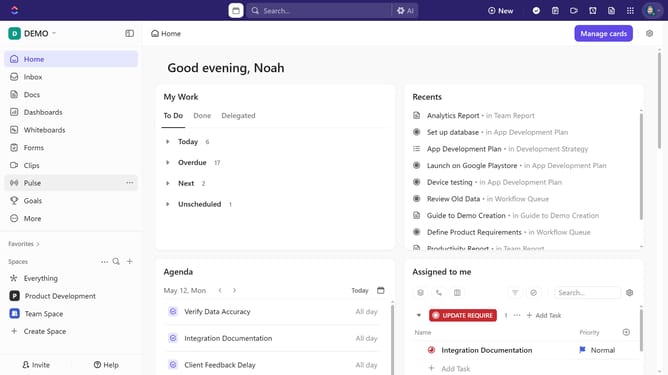
How to make a folder private or public in ClickUp
Here is how to make a folder private or public in clickup
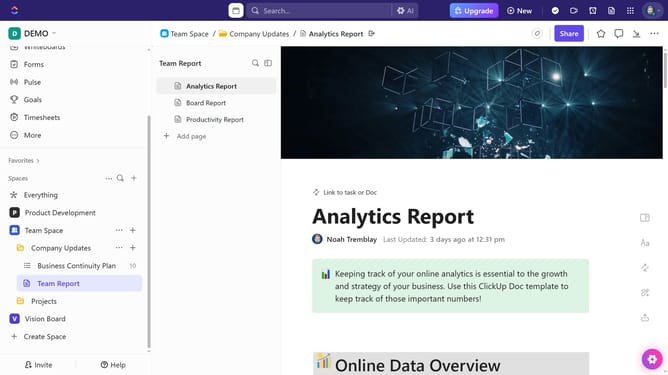
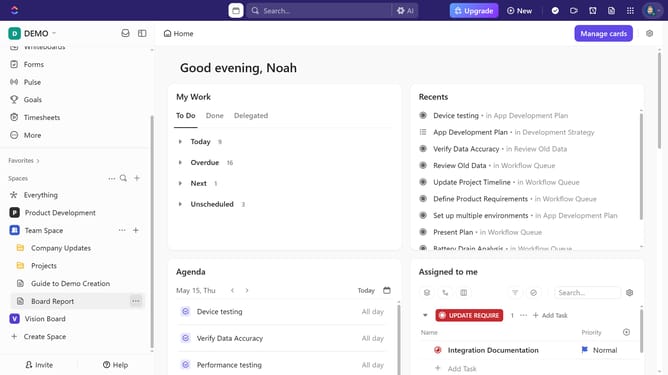
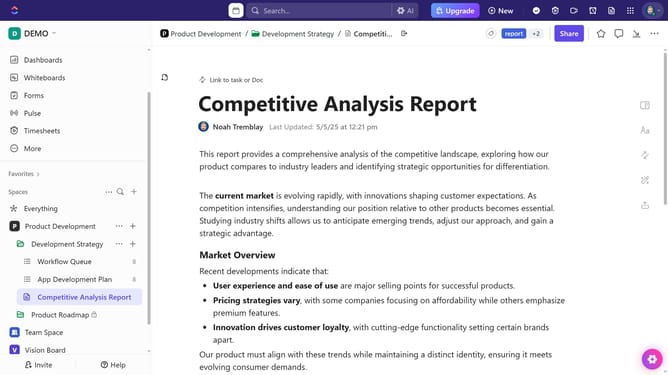
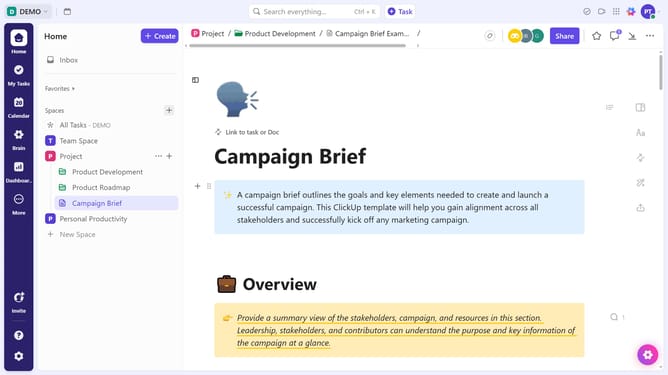
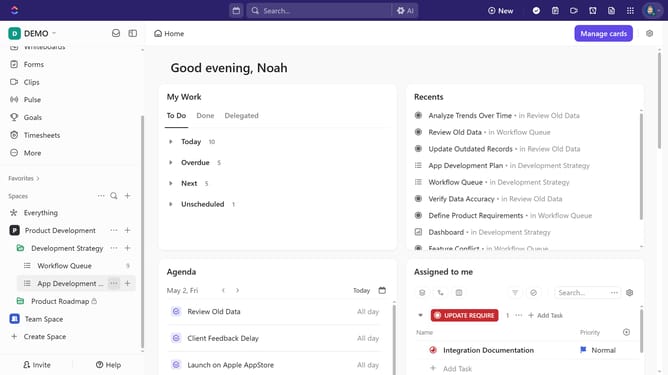
- First, in the left sidebar, find the Space that contains the folder you want to modify access
- Next under the Space, click on the "more options" button (three dots) next to the folder name
- Click on the "Sharing & Permissions" option in the context menu
- In the sharing dialog, to make the folder private, click the "Make Private" button at the bottom
- Only the Workspace owner can access a private folder
- To make the folder public, click the "Make Public" button
Why should you make a folder private or public in ClickUp
ClickUp is a versatile platform designed to streamline project management and collaboration.
A standout feature is its ability to make folders private or public, tailoring access to meet your team's specific needs.
By setting a folder to private, sensitive information remains secure, only visible to invited users, enhancing privacy.
Conversely, public folders foster inclusivity and open communication, allowing broader team access and ease in sharing collaborative material. This feature enhances control, communication, and organization efficiency.
Last update