How to delete a Doc template in ClickUp
Here is how to delete a doc template in clickup
- First click on the Workspace Avatar in the top left corner
- Next click on "Template Center" in the workspace settings menu
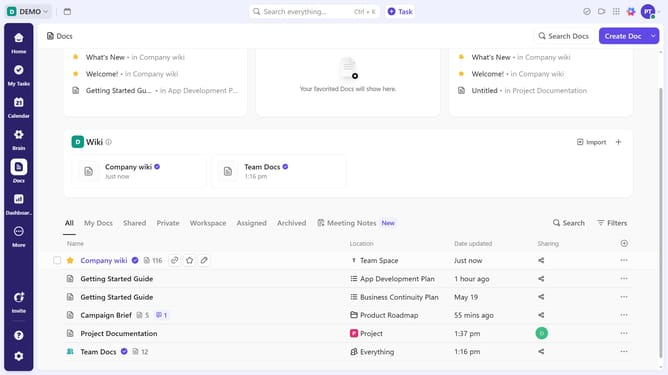
- Next click on "Doc" filter in the template types sidebar
- Then find and click the Doc template you want to delete
- In the template details view, click on the "more options" menu (three dots)
- Click on "Delete" option in the template actions menu
- Finally click on "Delete" button in the confirmation dialog
Why should you delete a Doc template in ClickUp
ClickUp is a versatile productivity platform designed to streamline workflows for teams worldwide.
The feature of deleting a Doc template in ClickUp offers users the flexibility to keep their workspace tidy and relevant.
By removing outdated or unnecessary templates, teams can ensure that only the most current and useful resources are available, enhancing efficiency.
This capability allows for better organization and helps team members stay focused on the content that truly matters in their collaborative projects.
Last update