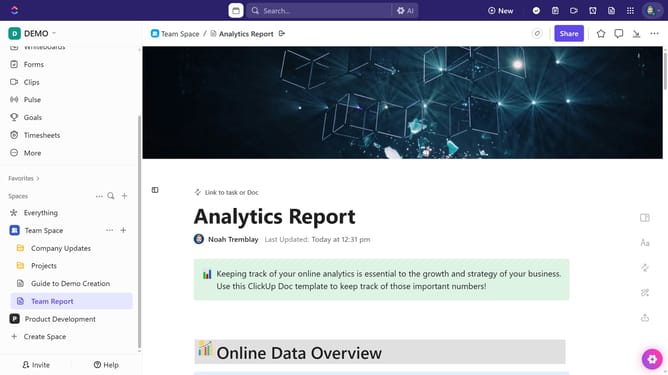
How to create a page template in ClickUp
Here is how to create a page template in clickup
- First open a Doc where you want to create the template
- Next click the "Expand sidebar" icon
- Next click on the menu button (three dots) next to the page
- Click on "Save as Template" option from the dropdown menu
- Enter a name for the template in the template name field
- You can add description and tags if needed
- Next adjust the sharing settings as needed
- Finally click on "Save Template" button in the bottom right corner
Why should you create a page template in ClickUp
ClickUp is a versatile productivity platform designed to streamline team collaboration and project management.
Creating a page template in ClickUp enables users to standardize workflows and maintain consistency across projects.
This feature simplifies the process of setting up new pages, saving valuable time and ensuring each team member follows the same structured approach.
By utilizing page templates, teams can focus more on what really matters—achieving their goals with efficiency and clarity.
Last update