How to apply a page template in ClickUp
Here is how to apply a page template in clickup
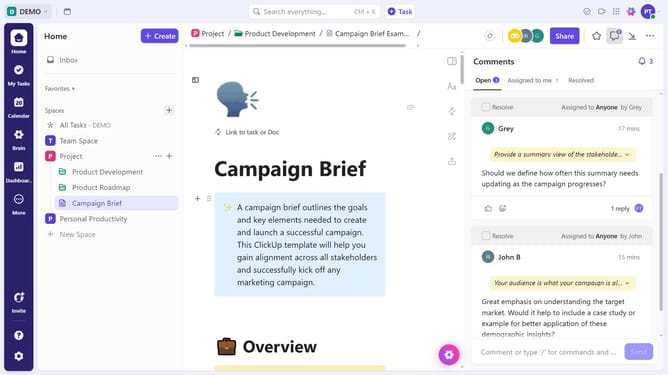
- First open a Document where you want to apply the template
- Next click the "Expand sidebar" icon
- Next create a new page or use an existing page
- Click on the three dots menu button next to the new page
- After that click on "Apply Template" option in the dropdown menu
- Then in the Template Center, find and select the page template you want to use
- Finally click on "Use Template" button in the template details view
Why should you apply a page template in ClickUp
ClickUp is an all-in-one productivity platform designed to streamline your workflow.
Applying a page template in ClickUp allows you to effortlessly maintain consistency across your projects. This feature enhances efficiency by minimizing the need to start tasks from scratch.
Using page templates ensures that all your team members adhere to the same structure, promoting uniformity and collaboration. This not only saves time but also boosts productivity by allowing you to focus on what's important rather than repeating setup processes.
Last update