How to turn off channel notifications in ClickUp
Here is how to turn off channel notifications in clickup
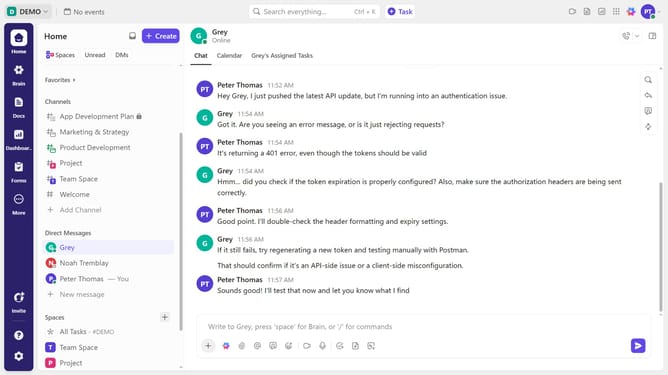
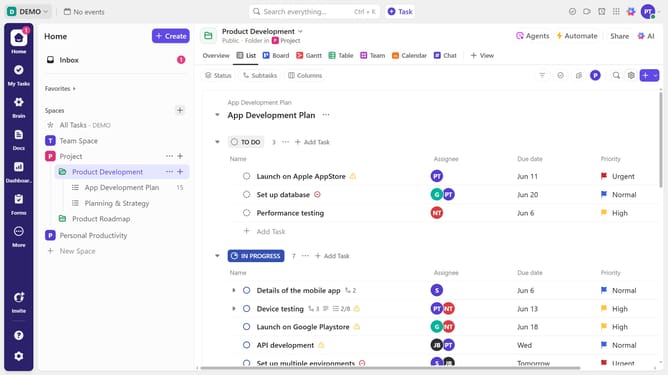
- First navigate to the channel you want to mute in the left sidebar
- Then right-click on the channel and click the "Notification settings" option from the options menu
- Alternatively, navigate to the channel and click the "View Channel details" icon in the top right corner
- Next click on "Notification settings" option again in the side panel
- In the notification settings modal, toggle off all notification options (Browser, Mobile, Inbox, and Email)
- Finally click on the "Save" button and you will no longer receive notifications from that channel
Why should you turn off channel notifications in ClickUp
ClickUp is a versatile productivity platform designed to streamline your workflow.
One of its invaluable features is the ability to turn off channel notifications. This function allows you to enjoy a focused work environment by silencing unnecessary alerts.
By using this feature, you can concentrate on high-priority tasks, reducing distractions and enhancing productivity. It ensures that your attention remains undivided, preserving your mental clarity throughout the day.
In essence, managing notifications in ClickUp empowers you to maintain control over your workdays seamlessly.
Last update