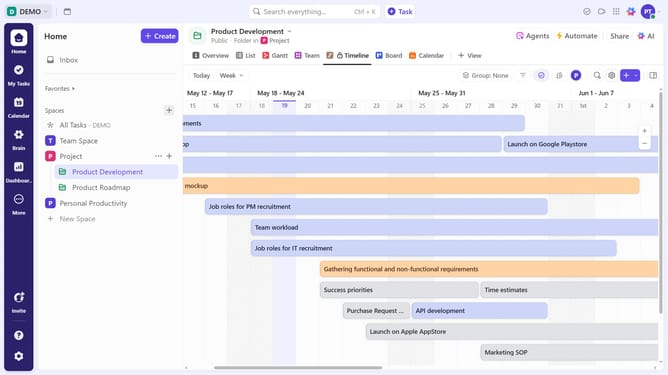
How to create a List template in ClickUp
Here is how to create a list template in clickup
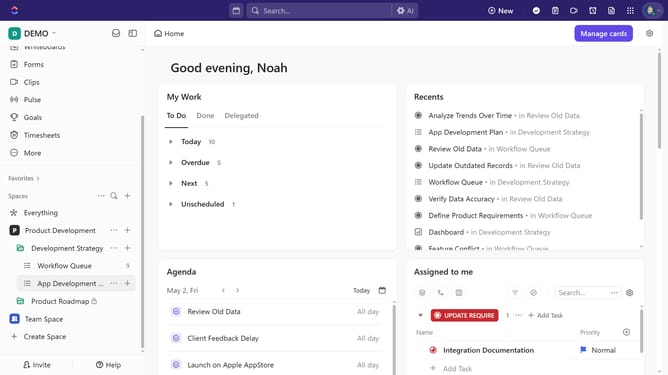
- First in the left sidebar, create or select a List, then customize it with tasks, views, and Automations before saving it as a template
- Hover over the List in the left sidebar and click the "More options" menu
- Next click on the "Templates" option in the dropdown menu
- Click on "Save as Template" in the submenu
- Then enter the template name in the "Template name" field
- Click "Add description" and "Add tags" to enter template details and categorize it with relevant tags
- Then customize the template share and import options
- Finally click on "Save Template" button in the bottom right corner
Why should you create a List template in ClickUp
ClickUp is a versatile platform designed to streamline productivity for individuals and teams.
The feature to create a List template in ClickUp empowers users to efficiently organize repetitive tasks and projects.
By creating a List template, you save time, ensuring consistency and uniformity across various projects.
This feature is ideal for standardizing processes, enhancing collaboration, and maintaining high-quality output consistently.
Last update