How to share a template in ClickUp
Here is how to share a template in clickup
- First click your Workspace avatar in the top left corner
- Next click on "Template Center" in the workspace settings menu
- In the Template Center, click on the "Workspace Templates"
- Select the the template you want to share
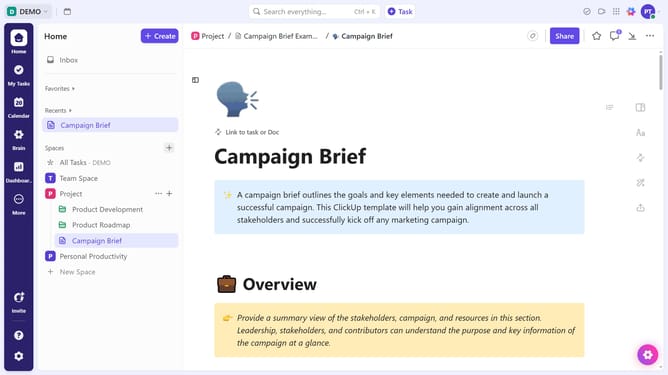
- Then click the "Share" button in the template details view
- Select a sharing options from the share settings dropdown
- You can also enable "Public sharing" to generate a link for external users
- Then copy the link and share it with anyone outside your Workspace
Why should you share a template in ClickUp
ClickUp is a versatile productivity platform designed to streamline task management for individuals and teams.
The "how to share a template" feature is a standout tool in ClickUp, enabling users to effortlessly distribute their custom templates.
Sharing templates fosters collaboration by ensuring uniformity in project execution and saving valuable time for team members.
With this feature, streamlining processes becomes intuitive, boosting overall productivity and enhancing team cohesion.
Last update