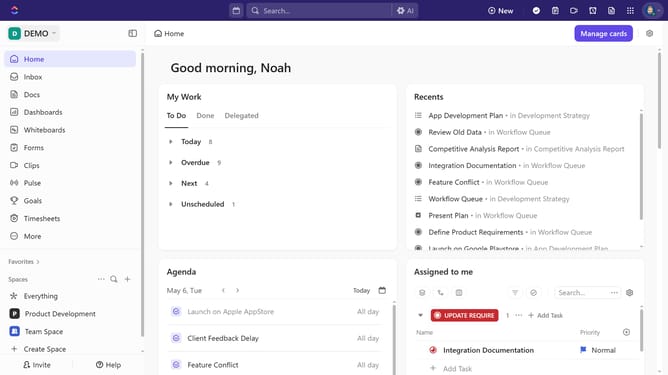
How to share a template with a public link in ClickUp
Here is how to share a template with a public link in clickup
- First click your Workspace avatar in the top left corner
- Next click on "Template Center" in the workspace settings menu
- In the Template Center, click on the "Workspace Templates" menu
- Select the the template you want to share
- Then click the "Share" button in the template details view
- In the share settings dropdown, toggle on the "Public sharing" option
- Finally, copy the link and use it to share the template with anyone outside your Workspace
Why should you share a template with a public link in ClickUp
ClickUp streamlines project management by consolidating tasks, documents, goals, and more in a single platform.
Sharing a template with a public link in ClickUp elevates collaboration to new heights.
This feature allows users to effortlessly distribute templates with anyone, bypassing access barriers.
Its seamless functionality fosters productivity by ensuring everyone has the resources they need, enhancing teamwork and creativity across projects.
Last update