How to view all your tasks in ClickUp
Here is how to view all your tasks in clickup
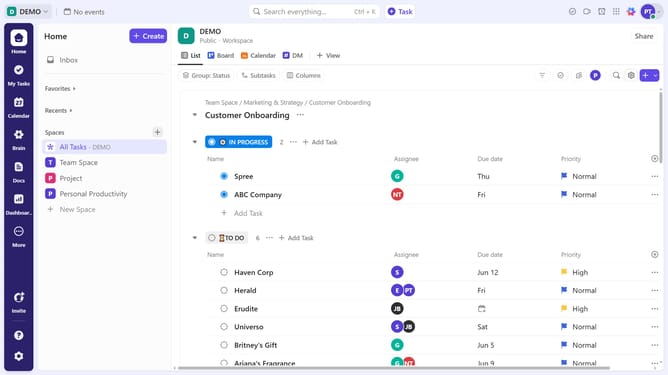
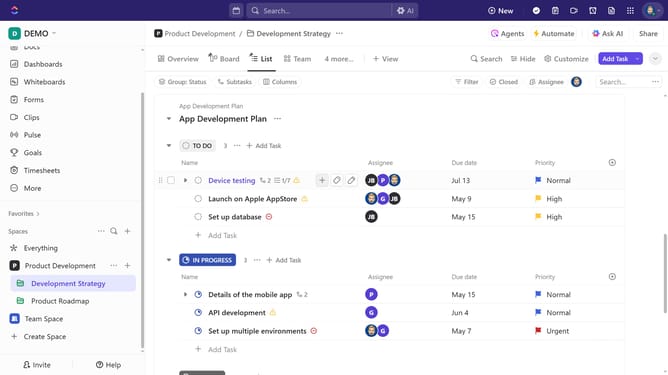
- First navigate to the left Sidebar and click on the "Everything" space under the Spaces section
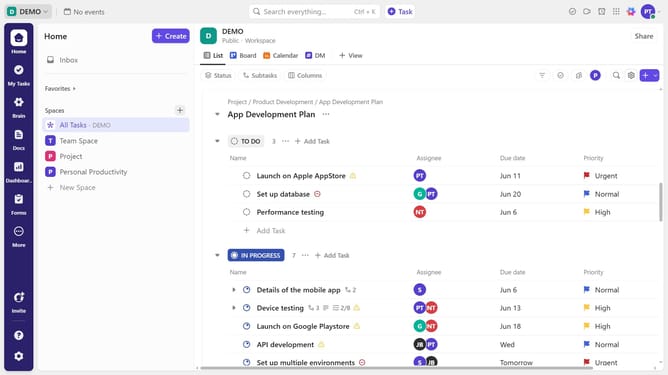
- Now you will see all tasks across Spaces, Folders, and Lists and use filters to refine tasks by status, assignee, or due date
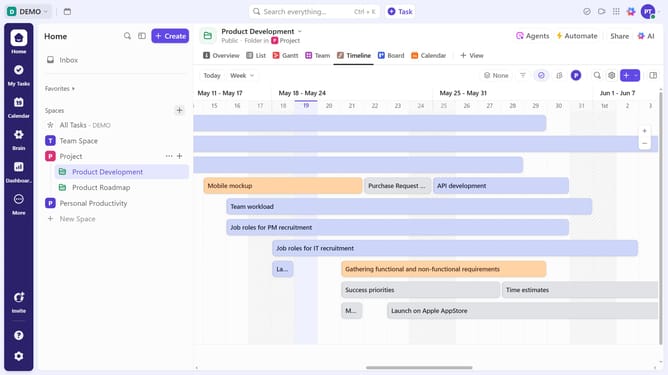
- You can switch views (List, Board, Calendar, etc.) for different perspectives if necessary
Why should you view all your tasks in ClickUp
ClickUp is a versatile productivity platform designed to streamline task management for teams and individuals alike.
A standout feature of ClickUp is its ability to display all your tasks in one unified view. This invaluable feature provides a panoramic snapshot of your workload, keeping you organized and focused.
By seeing every task in front of you, prioritizing becomes effortless, ensuring no task slips through the cracks. Enhanced visibility ultimately leads to improved efficiency and productivity.
Stay on top of deadlines and boost your performance with this powerful ClickUp feature, tailored to simplify your workflow.
Last update