How to add a form to favorites in ClickUp
Here is how to add a form to favorites in clickup
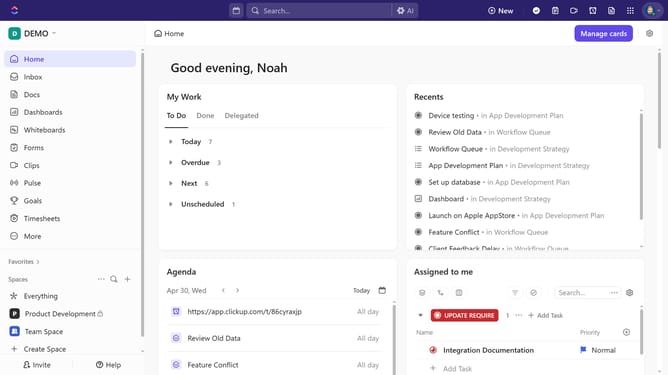
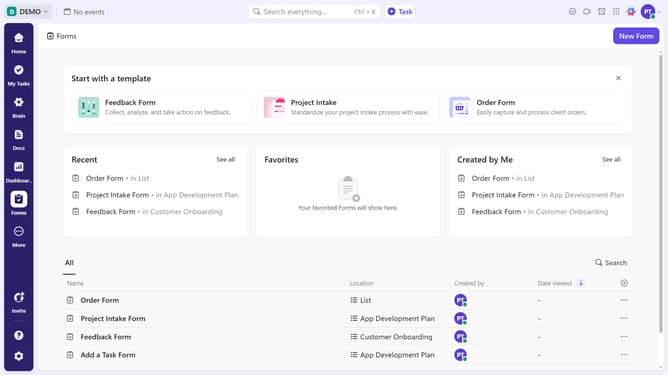
- First navigate to the Forms Hub and locate the form you want to add to Favorites
- Then hover over the form name and click the star icon that appears to add it to your Favorites
- The form will now appear in your "Favorites" section for quick access from the sidebar or Favorites menu
Why should you add a form to favorites in ClickUp
ClickUp is an all-in-one productivity platform designed to streamline your workflow.
Adding a form to favorites in ClickUp is a convenient feature that enhances accessibility by keeping frequently used forms a click away.
This feature is ideal for those who handle repetitive tasks, ensuring forms are not only easily accessible but also organized in a way that boosts efficiency.
By favoriting forms, users gain quicker access, reducing the time spent searching, thus allowing more focus on critical work tasks.
Last update