How to use automation to assign new tasks to a user in ClickUp
Here is how to use automation to assign new tasks to a user in clickup
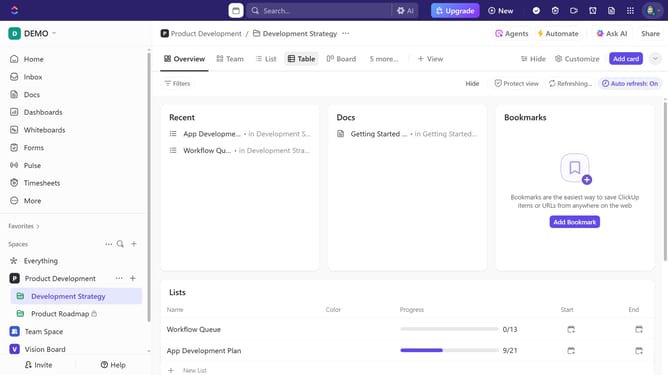
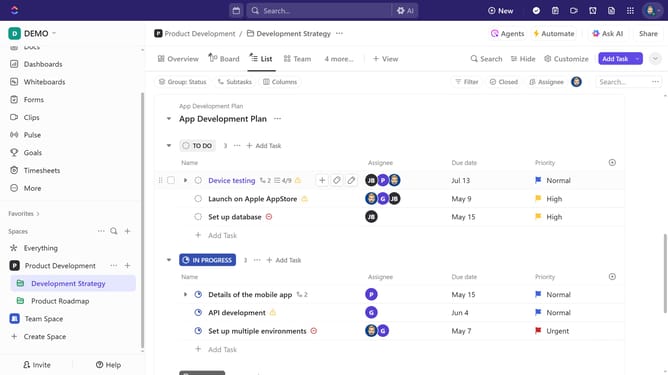
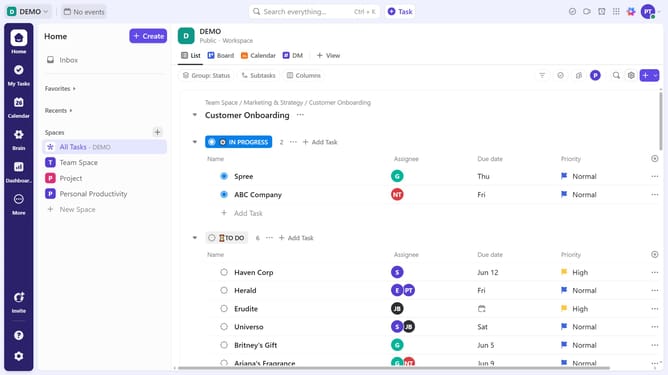
- First locate the List where you want to set up the automation
- Next hover over the list and click on the menu icon (three dots) next to it in the left sidebar
- From the dropdown menu, click on the "List settings" option
- Then click on "Automations" option in the List settings menu
- Click on "Creation" category in the left sidebar of Automations window
- Then select the automation rule "When Task Created then change assignee"
- Next click on "Select a user" dropdown in the Action section
- From the user list, select the team member you want to assign by default to new tasks in this List
- Finally click the "Create" button at the bottom right to save the automation
- Automation successfully created. All new tasks in this List will now be assigned to the chosen user automatically
Why should you use automation to assign new tasks to a user in ClickUp
ClickUp is a versatile productivity platform designed to streamline teamwork.
By harnessing the power of automation to assign new tasks, ClickUp not only saves time but ensures every task finds the right owner instantly.
This feature reduces manual effort, allowing teams to focus more on their goals and less on task delegation.
Embracing automation increases efficiency, reduces the risk of tasks falling through the cracks, and enhances team collaboration effortlessly.
Last update