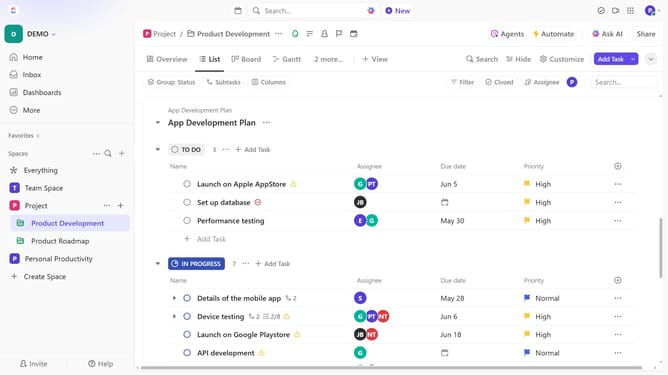
How to move a Calendar view in ClickUp
Here is how to move a calendar view in clickup
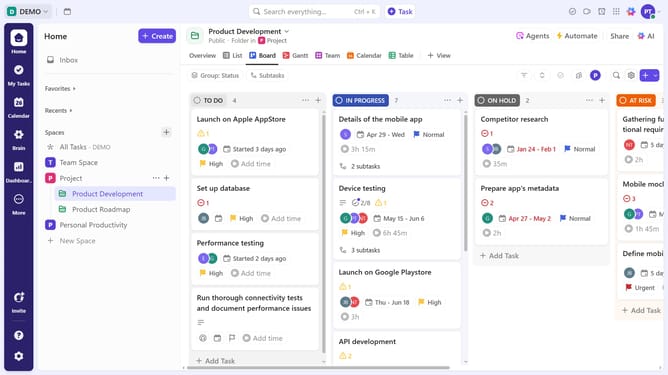
- First in the Views Bar, navigate to the Calendar view you want to move
- Next click on "Customize" button in the top right toolbar
- Click on "Layout options" in the customize view panel
- Then click on "Move view" option in the layout settings
- Choose a new location from the dropdown menu, such as Space, Folder, or List, to move the Calendar view
- Your Calendar view will be relocated, keeping its settings intact and showing tasks from the new location
Why should you move a Calendar view in ClickUp
ClickUp is an all-in-one productivity platform that streamlines task management for individuals and teams.
Moving a Calendar view in ClickUp enhances flexibility, allowing users to seamlessly adapt their workflows to suit their specific needs.
This feature empowers teams to reorganize their schedules efficiently, ensuring that priorities align perfectly with evolving projects.
By customizing the layout, you can better visualize your tasks, leading to improved time management and productivity.
Last update