How to set a default assignee for new tasks in ClickUp
Here is how to set a default assignee for new tasks in clickup
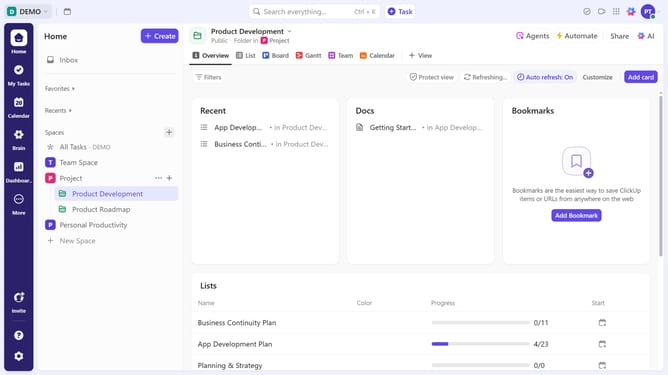
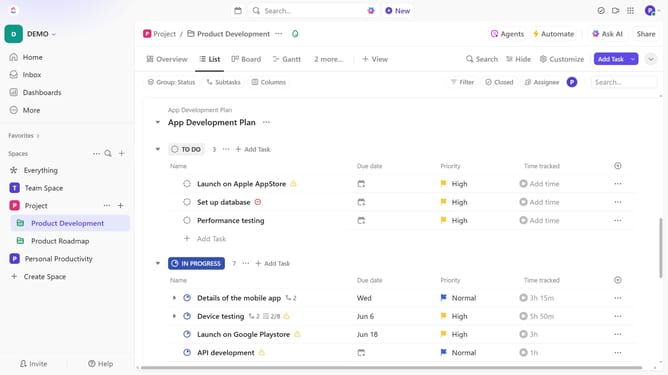
- First locate the List where you want to set the default assignee
- Next click on the menu icon (three dots) next to the List name in the left sidebar or at the top of the List view
- From the dropdown menu, click on the "List settings" option
- Then click on "Automations" option in the List settings menu
- Click on "Creation" category in the left sidebar of Automations window
- Then select the automation rule "When Task Created then change assignee"
- Next click on "Select a user" dropdown in the Action section
- From the user list, select the team member you want to assign by default to new tasks in this List
- Finally click the "Create" button at the bottom right to save the automation
- Automation successfully created. All new tasks in this List will now be automatically assigned to the selected user
Why should you set a default assignee for new tasks in ClickUp
ClickUp is a comprehensive productivity platform designed to streamline task management and boost team efficiency.
One standout feature is the ability to set a default assignee for new tasks, centralizing accountability and reducing confusion. This helps ensure that every task has a clear owner from the start, which minimizes delays and errors.
Using this feature keeps team operations smooth and agile, fostering consistent progress and clarity in task responsibilities. Optimal for busy teams, it enhances workflow efficiency, making project management a breeze.
Last update