How to move a dashboard from the the Views Bar in ClickUp
Here is how to move a dashboard from the the views bar in clickup
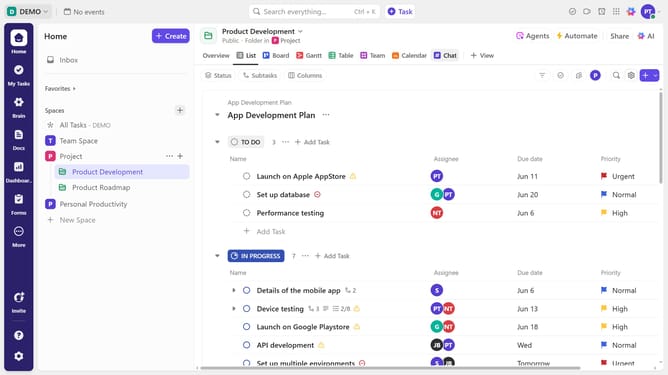
- First navigate to the dashboard you want to move from the Views bar
- Then right-click the dashboard view
- Next click on the "Move" option from the dashboard's dropdown menu
- Then select "List, Folder, or Space (as a view)" or "Sidebar" from the submenu
- Finally choose a new location, such as a different Space, Folder or List
- Your dashboard will now be moved to the selected location while retaining its filters and settings
Why should you move a dashboard from the the Views Bar in ClickUp
ClickUp is a versatile productivity platform designed to enhance team collaboration and task management via customizable dashboards.
Moving a dashboard from the Views Bar in ClickUp simplifies the task management experience, seamlessly allowing you to reorganize and prioritize dashboards to fit your workflow needs.
The ability to reposition dashboards offers a level of customization that increases productivity by giving teams and individuals easy access to the most relevant information, ensuring a streamlined workflow.
Last update