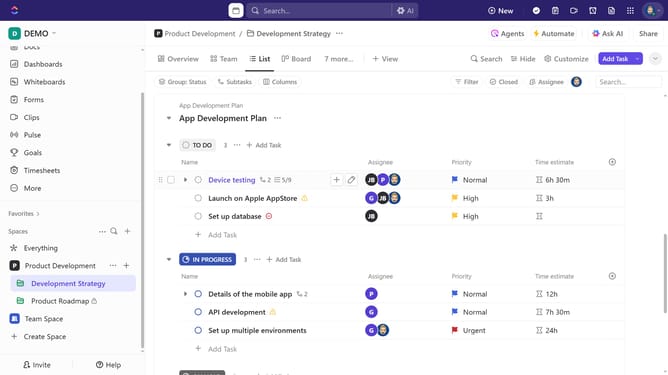
How to create a custom dashboard in ClickUp
Here is how to create a custom dashboard in clickup
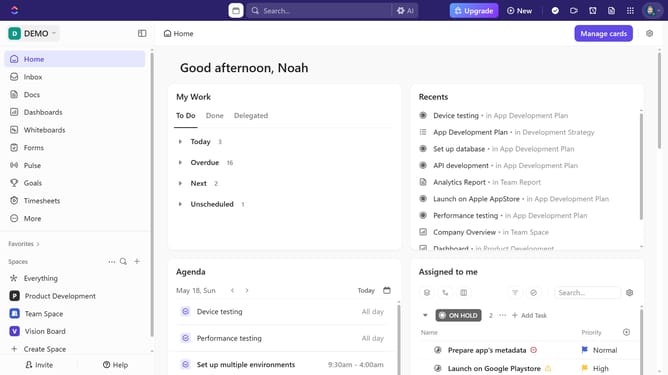
- First click on the "Dashboard" icon in the left sidebar menu
- Next in the Dashboards Hub, click on "New Dashboard" button in the top-right corner
- Click on the "Start from scratch" option in the dashboard templates view
- Click on a category from the left sidebar menu
- Then find and select your desired card from the available options
- In the card setting, click on the data source dropdown to select locations
- Then select the relevant Space, Folder, or List to pull data from
- Click "Add card" button to add the widget to your dashboard
- Your dashboard is now ready to use, customize, and add more cards to it as needed
- Next click in the dashboard name field
- Finally, enter a name for your dashboard
Why should you create a custom dashboard in ClickUp
ClickUp is a comprehensive platform designed to unify all your work in one place.
Creating a custom dashboard in ClickUp helps streamline task management by offering a tailored view of your projects and priorities. This feature allows users to display specific data points, widgets, or workflows, enhancing efficiency and focus.
The personalized view facilitates better decision-making and productivity by letting you track essential metrics and visualize project progress at a glance.
Ultimately, a custom dashboard empowers teams to stay aligned and agile, adapting quickly to changing needs.
Last update