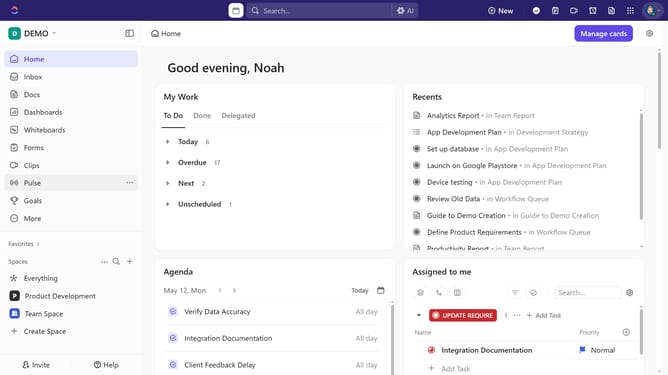
How to search for a form in the Forms Hub in ClickUp
Here is how to search for a form in the forms hub in clickup
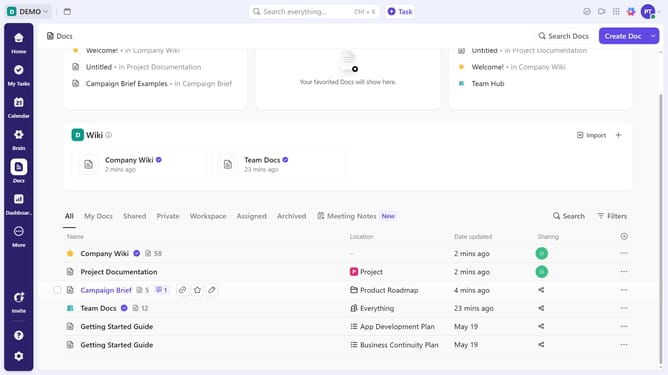
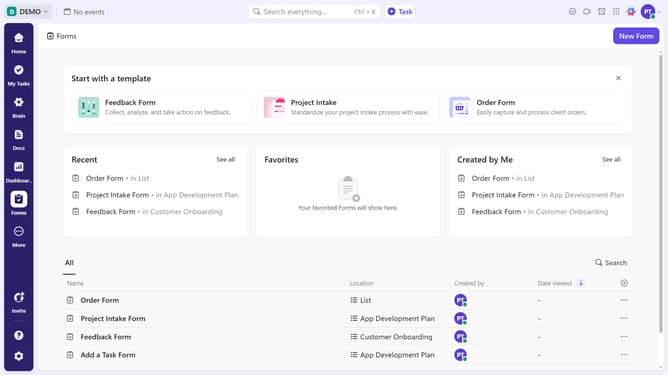
- First navigate to the Forms Hub and click the Search bar in the top-right corner of the forms list view
- Next type the name or keywords related to the form you want to find
- Then click on the desired form from the search results to open it
Why should you search for a form in the Forms Hub in ClickUp
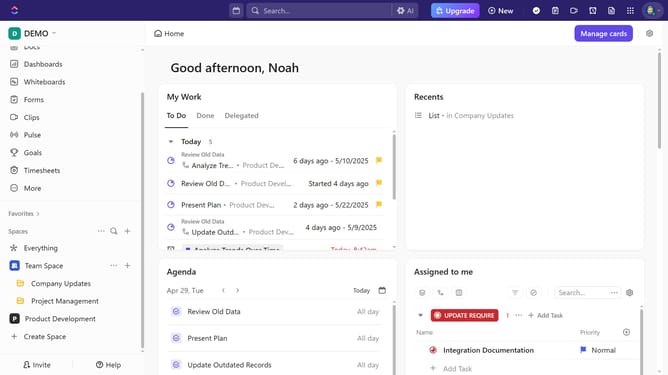
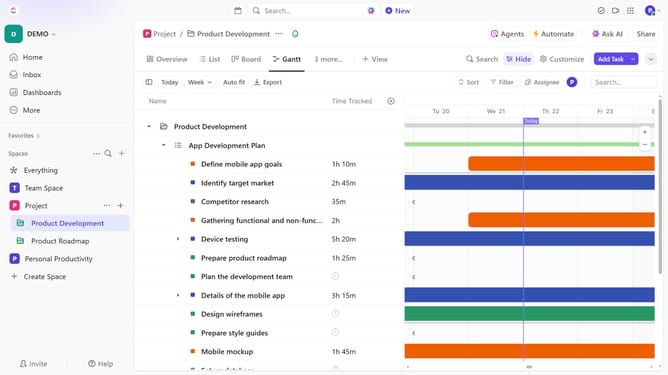
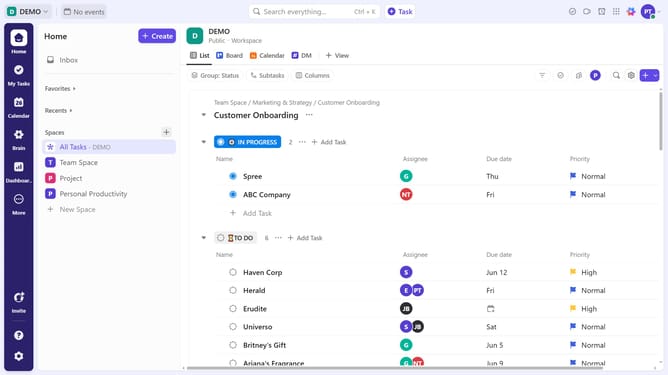
ClickUp is a versatile workspace solution designed to streamline tasks and elevate productivity for teams of any size.
The Forms Hub in ClickUp is where organization meets efficiency, allowing users to quickly locate any form they need.
By using the search feature, you can effortlessly find specific forms among possibly overwhelming options, saving time and ensuring you focus on what truly matters.
This functionality enhances workflow by minimizing disruption and maximizing productivity, making it an indispensable tool for seamless project management.
Last update