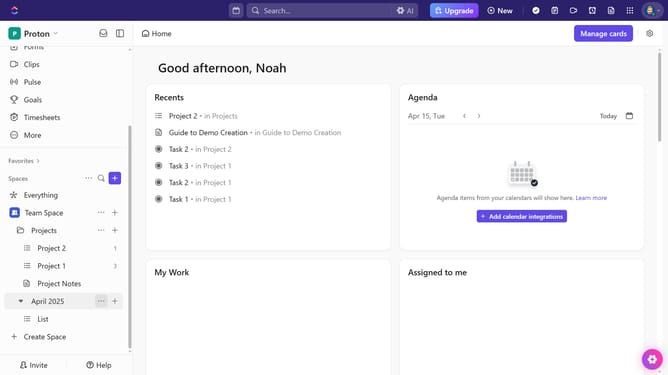
How to send a message in a Chat view in ClickUp
Here is how to send a message in a chat view in clickup
- First navigate to the Chat view from the views bar
- Next click in the comment input box at the bottom of the chat window
- Type your message using rich text formatting if needed
- You can also use @mentions, file attachments, emojis, assign the comment and video or voice clips to enhance communication
- Finally once done, click the "Send" button to submit your message
- Your message will now appear in the chat thread, visible to anyone with access to that view
Why should you send a message in a Chat view in ClickUp
ClickUp is an all-in-one productivity platform designed to bring teams, tasks, and communication together.
The Chat view in ClickUp allows you to easily send messages, fostering instant communication and collaboration among team members. This feature streamlines discussion by keeping conversations organized alongside your tasks.
With the ability to quickly share ideas and updates, the Chat view helps enhance team productivity, ensuring that everyone stays on the same page without switching platforms.
Last update