How to copy a folder link in ClickUp
Here is how to copy a folder link in clickup
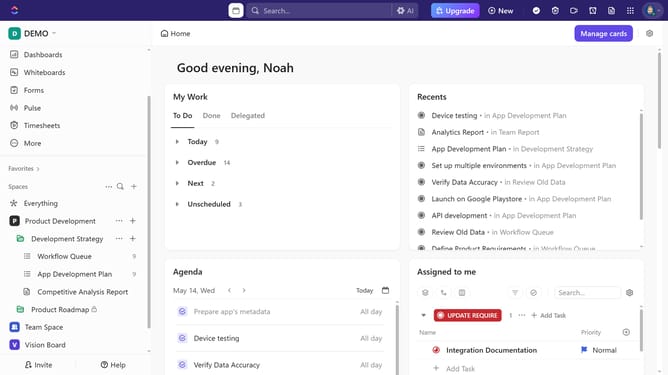
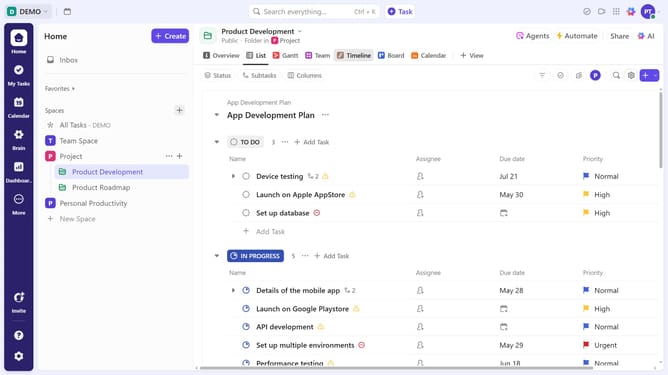
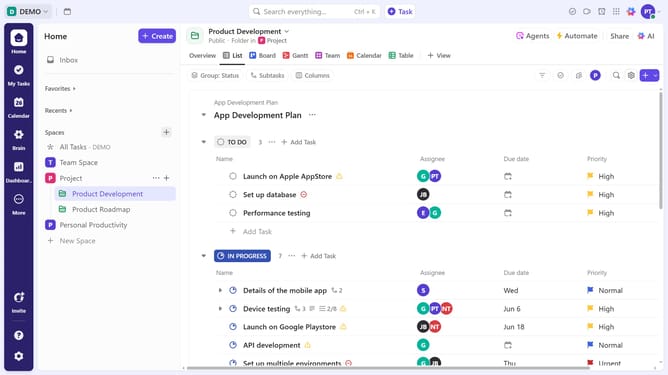
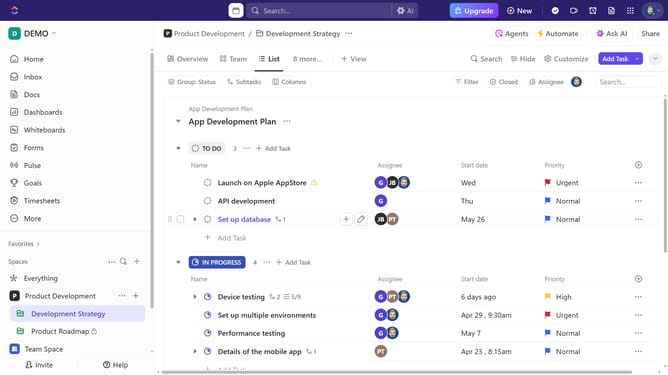
- First find the folder you want to share in the left sidebar
- Next click on the "more options" menu (three dots) next to it
- Then click on the "Copy link" option in the dropdown menu to get a shareable URL
- The folder link has been successfully copied and is ready to be shared
Why should you copy a folder link in ClickUp
ClickUp is a versatile productivity platform designed to streamline task management for teams and individuals.
Copying a folder link in ClickUp offers the simplicity of sharing complex project structures with just one click. This feature enables team members to instantly access relevant resources and stay aligned with ongoing initiatives.
The ability to share folder links enhances collaboration, saving time and ensuring everyone remains informed. It's an invaluable tool for boosting productivity and maintaining seamless communication within teams.
Last update