How to create a folder template in ClickUp
Here is how to create a folder template in clickup
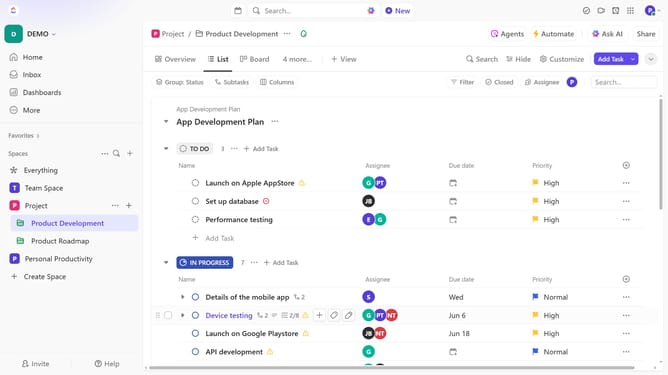
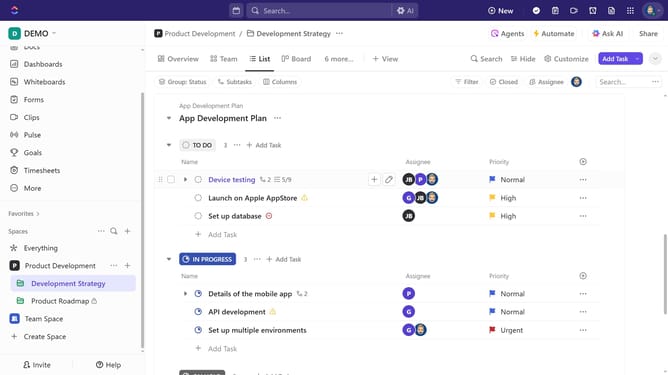
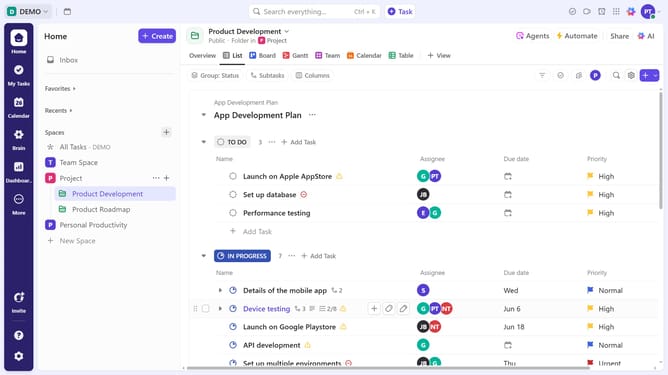
- First in the left sidebar, locate the folder you want to save as a template and click on the options menu (three dots) next to it
- Next click on "Templates" in the dropdown menu
- Select "Save as Template" from the Templates submenu
- In the dialog box, add a name, description and tags for the template
- In the "Share with" section, select who can access the template
- In the "Import options" section, select whether to import all data or customize specific items
- Finally click the "Save Template" button to create the template
- Your folder template has been created successfully and is ready to use
Why should you create a folder template in ClickUp
ClickUp is a versatile platform designed to streamline team collaboration and project management.
Creating a folder template in ClickUp allows for consistent and efficient organization of tasks and resources.
This feature benefits users by saving time on repetitive structural setups and ensures uniformity across projects.
By establishing templates, teams can effortlessly duplicate tried-and-tested workflows, enhancing productivity and maintaining focus on high-impact activities.
Last update