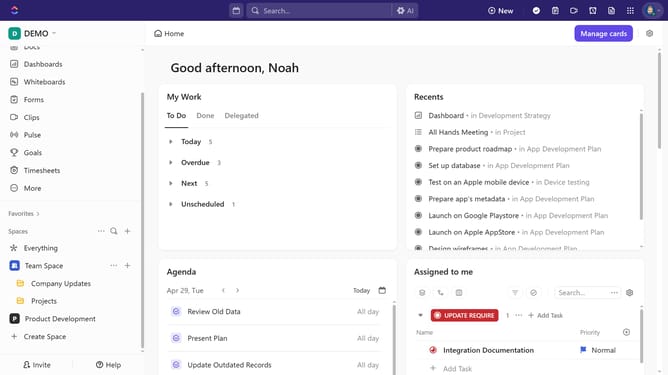
How to share a channel from its header in ClickUp
Here is how to share a channel from its header in clickup
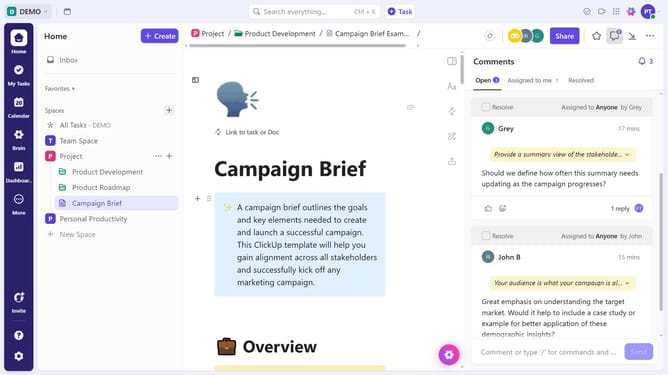
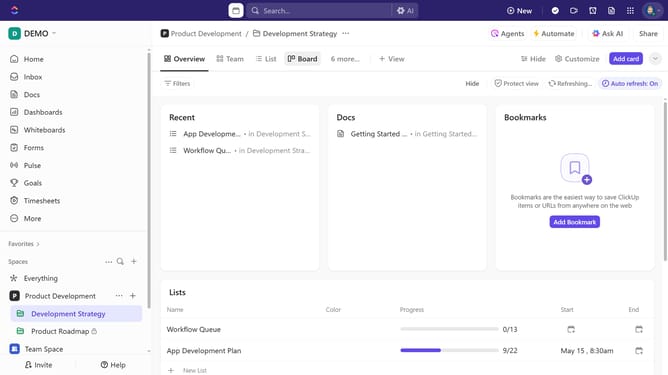
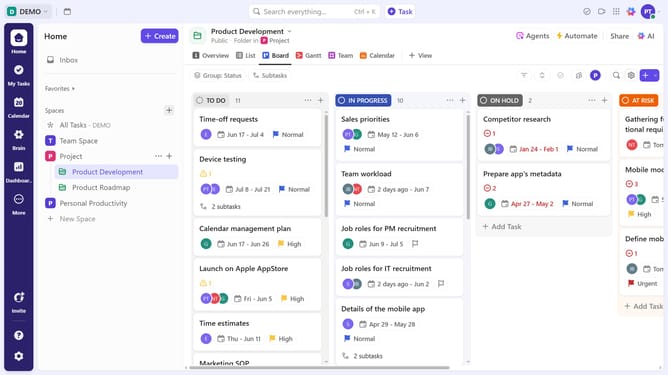
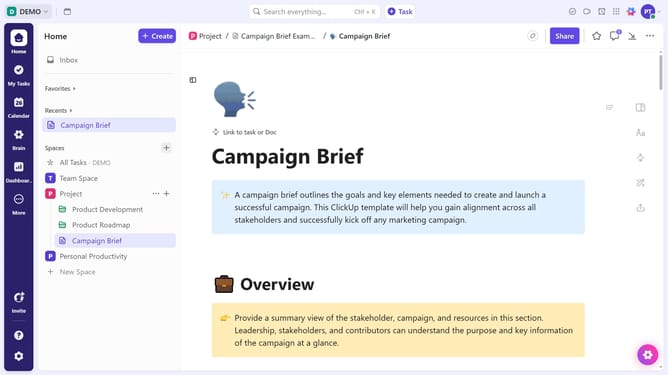
- First navigate to the channel you want to share
- Next click the Followers icon in the top right corner
- In the Followers panel, search for the person you want to add
- Alternatively, click the "Add Follower" button
- Then locate the team member you want to add
- Finally click the "Add as Follower" button next to their name
- Do the same for any other person you want to share the channel with
- Once done, the selected team members will have the channel shared with them and become followers
Why should you share a channel from its header in ClickUp
ClickUp is a versatile project management tool designed to streamline work and boost productivity across teams.
One of its standout features is the ability to share a channel effortlessly from its header, promoting seamless collaboration.
This enhances the user experience by ensuring that updates and resources are instantly accessible, fostering an environment of transparency and efficiency.
By simplifying the process, it encourages real-time communication, helping teams stay aligned and focused on their goals.
Last update