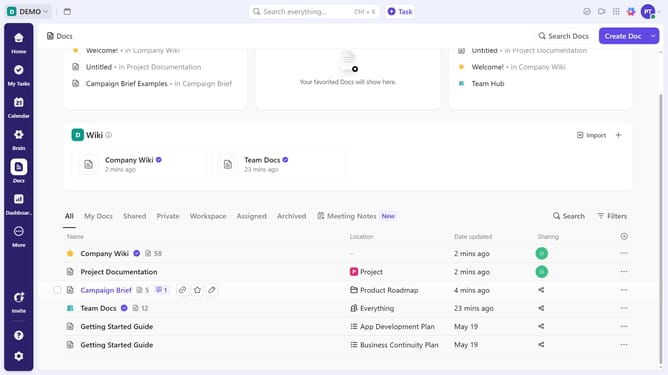
How to use ClickUp AI
Here is how to use clickup ai
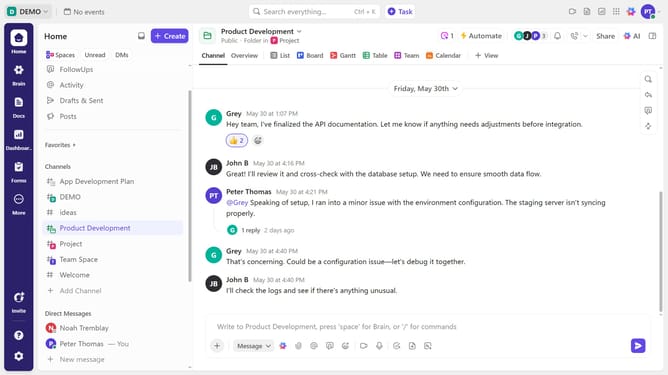
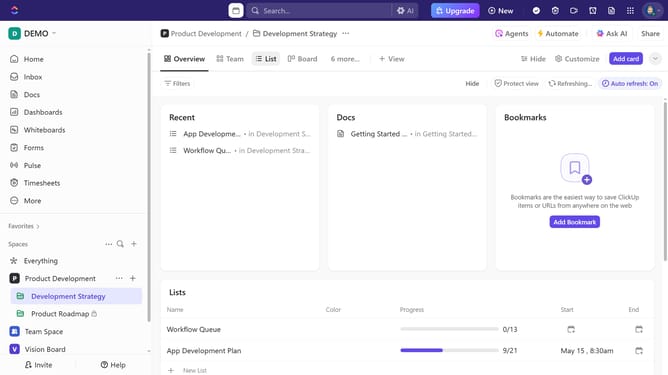
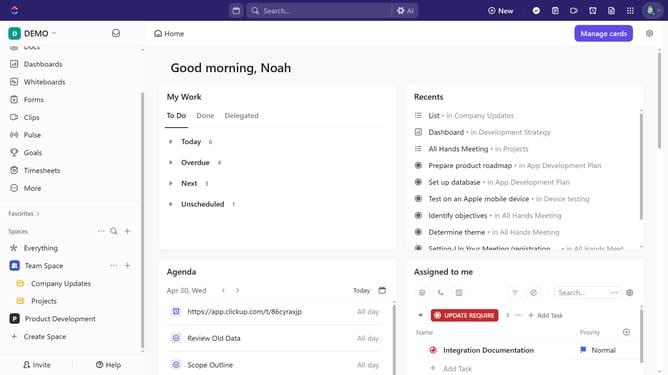
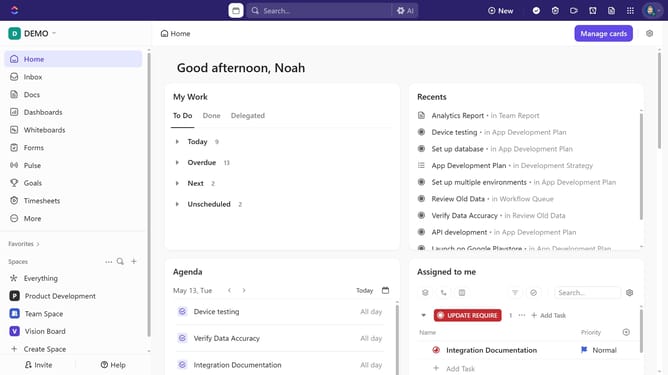
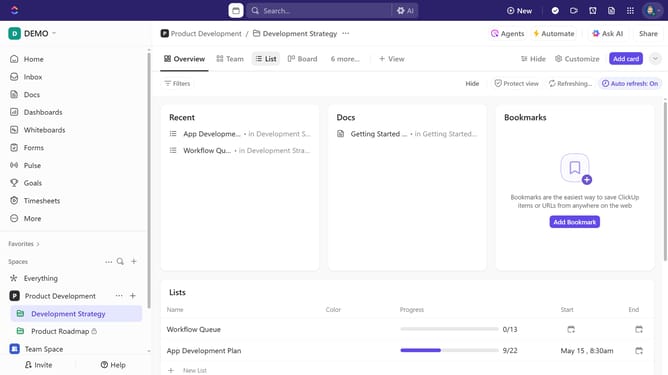
- First click on the "AI" button in the top navigation bar
- Then click on the chat input field and type what you want AI to do for you
- Next click the "Send" button to submit the message "Draft me a blog post about demo creation"
- Read the generated blog post draft in the AI assistant's response
- Click the "Create" button in the response actions
- Select the option from the create menu to generate the content you asked for
- Click in the title field of the new document and input the title
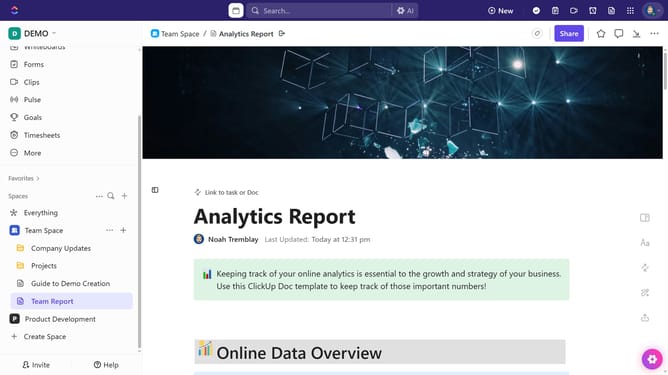
- Finally click the "Star" button in the document toolbar to bookmark it
Why should you use ClickUp AI
ClickUp is a versatile productivity platform designed to enhance team efficiency and collaboration.
Leveraging ClickUp AI optimizes your workflow by providing intelligent suggestions and automation, allowing you to focus on what truly matters. With its AI capabilities, users can easily manage tasks, predict project timelines, and receive smart reminders.
This enhanced focus on efficiency not only saves time but also boosts productivity, empowering teams to achieve more together in less time.
By integrating AI-driven insights, ClickUp ensures that your team operates with clarity and purpose, thus maximizing success.
Last update