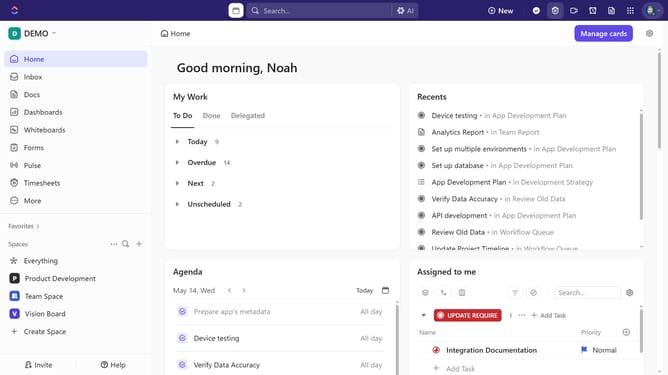
How to view tasks assigned to me in ClickUp
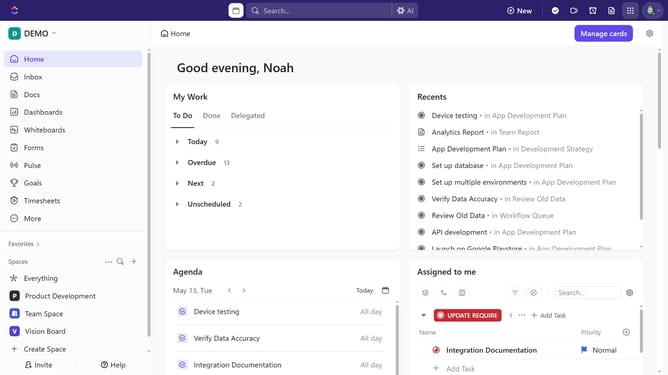
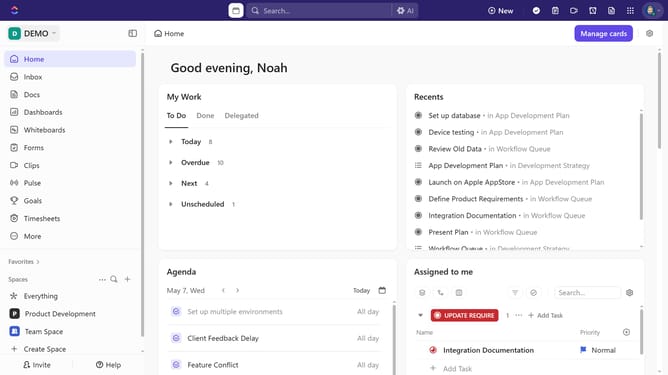
Here is how to view tasks assigned to me in clickup
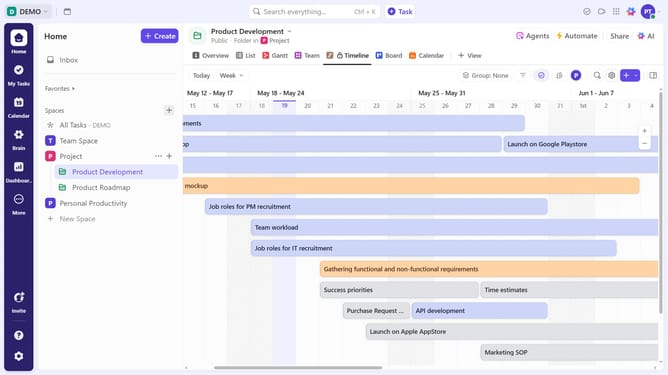
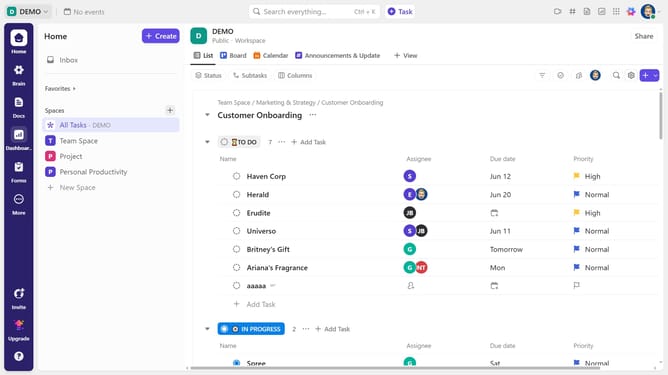
- First navigate to your preferred view (List, Board, Calendar, or Table view)
- Then, click on your profile avatar in the top-right toolbar to filter and display only tasks assigned to you
- A dropdown menu will then appear, allowing you to select or deselect options to customize your view
- Alternatively, click the "Filter" button
- Next click on the "Select filter" dropdown and select "Assignee" from the filter options dropdown
- Then click on the "Select assignee" dropdown field that appears
- Finally choose your own name from the assignee list
- The view will update to display only tasks assigned to you
Why should you view tasks assigned to me in ClickUp
ClickUp is a comprehensive project management tool designed to streamline task organization and boost productivity.
One of its standout features is the ability to effortlessly view tasks assigned to you, ensuring that you always know what needs your attention without the clutter.
This feature helps you prioritize your workload, keeping you focused on meeting deadlines and achieving your goals efficiently.
By utilizing this streamlined process, you can maximize productivity and maintain a clear overview of your tasks.
Last update