How to set a reminder on a chat message in ClickUp
Here is how to set a reminder on a chat message in clickup
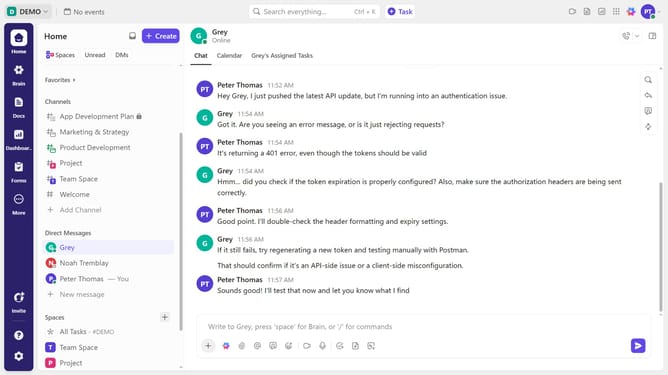
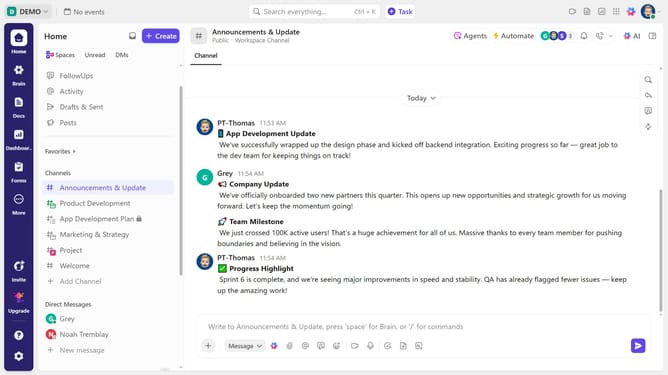
- First, locate and hover over the chat message you want to set a reminder for in any channel or direct message
- Next click on the more options menu (three dots) to reveal additional actions
- From the expanded menu, select the "Remind me" option
- Then in the reminder dialog, choose a preset time like “Today”, “Tomorrow” or pick a specific date and time
- Finally click on the "Create Reminder" button to set the reminder
- Reminder successfully created. You will be notified at the scheduled time
Why should you set a reminder on a chat message in ClickUp
ClickUp is a versatile project management tool designed to optimize your workflow and enhance productivity.
The ability to set a reminder on a chat message within ClickUp is a seamless integration that actively supports task management.
Utilizing this feature ensures that important discussions are never overlooked, enabling timely follow-ups and enhancing team collaboration.
By setting reminders, teams can better prioritize tasks and actions, which leads to more efficient project outcomes.
Last update