How to change your ClickUp account password
Here is how to change your clickup account password
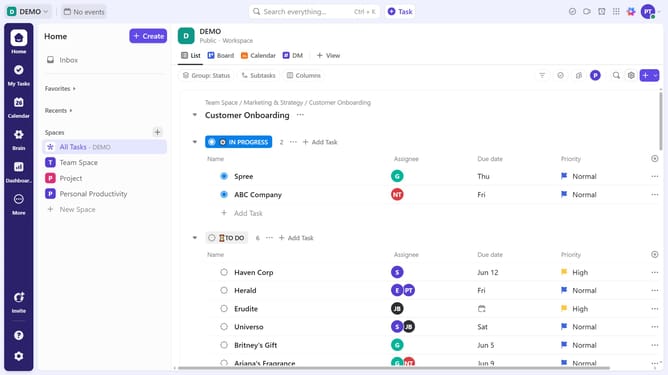
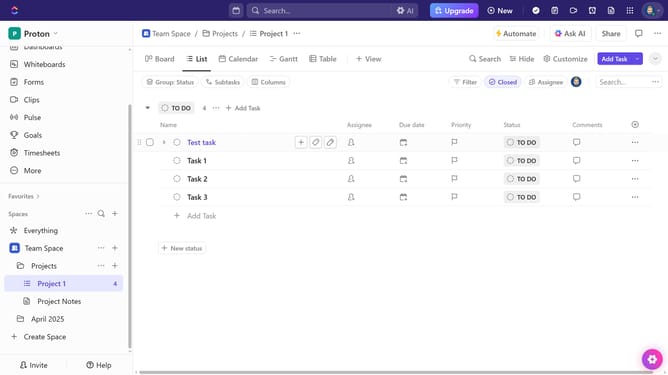
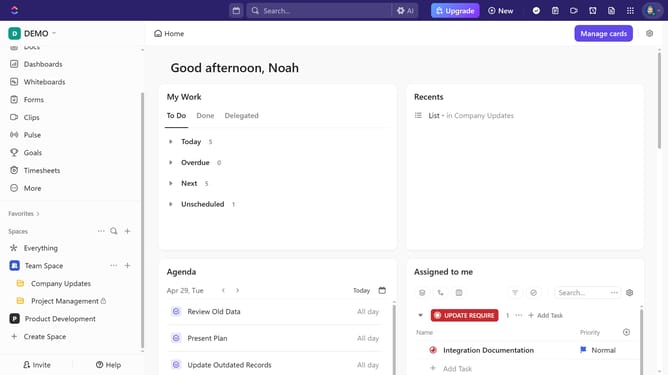
- First click on your profile avatar in the top-right corner of the header
- Next click on "Settings" option in the dropdown menu
- Then enter your new password in the password field
- Click on "Save changes" button at the bottom of the settings form
- Next in the confirmation dialog, enter your current password
- Finally, click the "Confirm Password" button to apply your new password
- You have successfully updated your password and secured your account
Why should you change your ClickUp account password
ClickUp is a comprehensive productivity platform designed to streamline work processes for teams and individuals.
The ability to change your ClickUp account password ensures that your account stays secure and personalized to your requirements.
Regularly updating your password keeps your information safe from unauthorized access while providing a flexible safeguard for data protection.
Engaging this feature not only grants peace of mind but also bolsters the integrity of your workflow management.
Last update