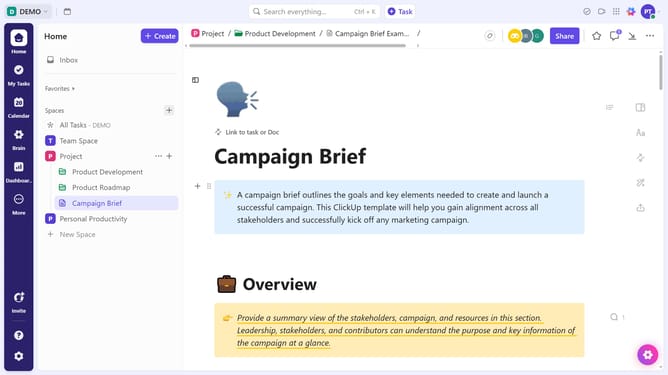
How to share a chat message using its link in ClickUp
Here is how to share a chat message using its link in clickup
- First locate the message you want to share and hover over it
- Then, click on the message options menu (three dots) in the toolbar that appears
- Finally, select the "Copy Link" option from the dropdown menu to copy the message link
- The link will be copied to your clipboard, allowing you to share it with your team members as needed
Why should you share a chat message using its link in ClickUp
ClickUp is an all-in-one productivity platform designed to streamline teamwork and boost efficiency.
Sharing a chat message using its link in ClickUp is an invaluable feature that enhances communication across teams. It allows users to effortlessly share important information with relevant team members instantly.
This feature not only saves time but also ensures that everyone stays informed and aligned with ongoing discussions. By utilizing this, teams can maintain clarity and focus, ultimately fostering a more collaborative work environment.
Last update