How to activate the Time Estimates Rollup in ClickUp
Here is how to activate the time estimates rollup in clickup
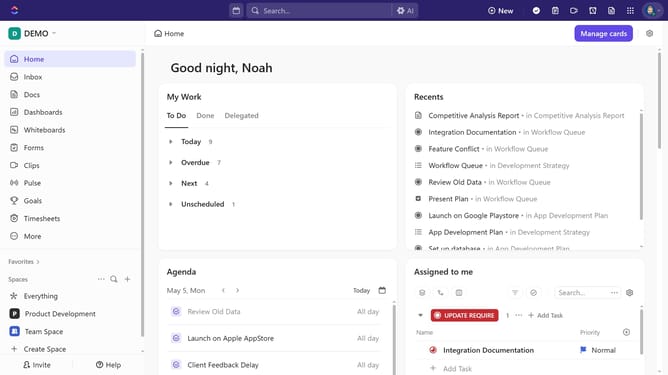
- First click your Workspace avatar in the top left corner
- Next click on the "App Center" option in the workspace dropdown menu
- Next click on "All ClickApps" in the left sidebar under the CLICKAPPS section
- Find "Time Estimates Rollup" in the Time & Resources section and click the toggle to activate the it
Why should you activate the Time Estimates Rollup in ClickUp
ClickUp is an all-in-one productivity platform designed to streamline your workflow.
Activating the Time Estimates Rollup in ClickUp is a powerful feature that optimizes project management.
By consolidating all time estimates across tasks, it provides a comprehensive view of project timelines.
This feature supports better resource allocation and enhances team efficiency by ensuring everyone is aligned with project deadlines.
Last update