How to share a Calendar view link with your team in ClickUp
Here is how to share a calendar view link with your team in clickup
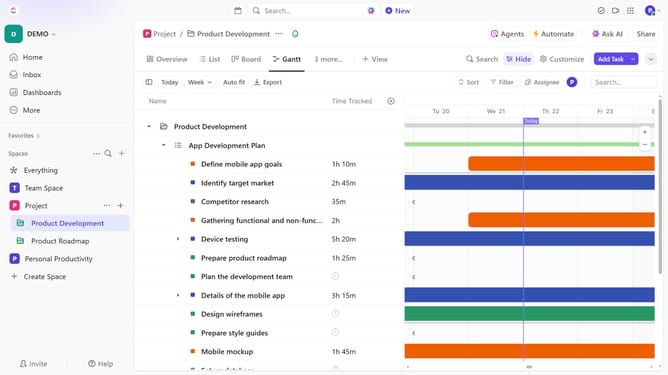
- First find and click on the Calendar view you want to share in the Views Bar
- Next click on the "Customize" button in the right corner toolbar
- Then click on "Copy link to view" option in the Customize view panel
- The view link has been copied. Share it with your team via email, chat, or any preferred platform
Why should you share a Calendar view link with your team in ClickUp
ClickUp is a versatile platform designed to simplify task management and enhance productivity.
The ability to share a Calendar view link with your team in ClickUp enables seamless collaboration, ensuring everyone is aligned on project timelines.
This feature enhances transparency and promotes efficient teamwork by providing a centralized view of all tasks and deadlines, eliminating misunderstandings.
By utilizing this feature, teams can easily coordinate schedules, leading to more productive and harmonious workflows.
Last update