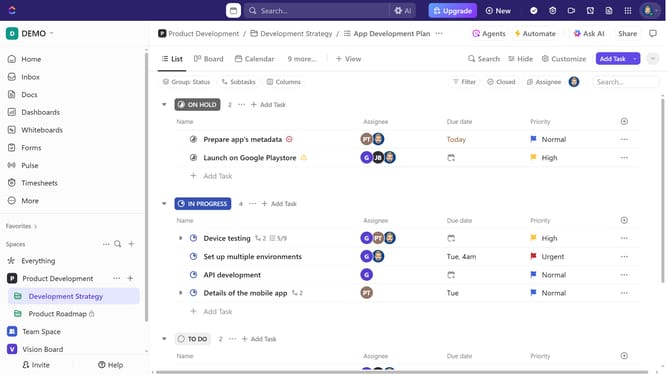
How to create a dashboard in a folder in ClickUp
Here is how to create a dashboard in a folder in clickup
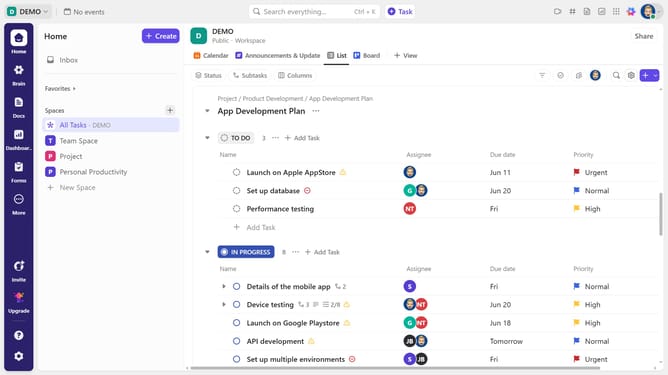
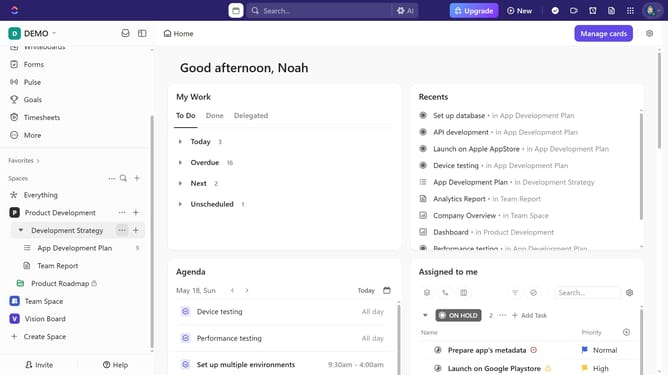
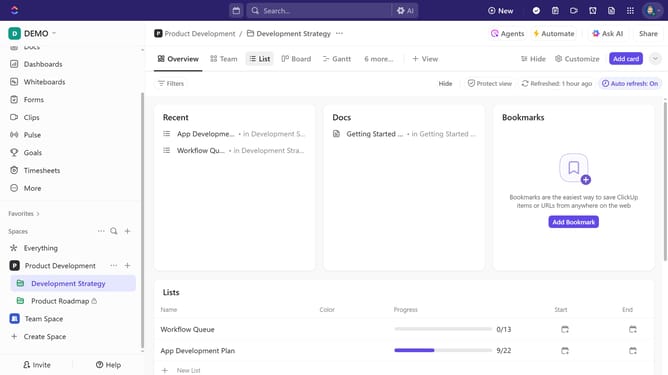
- First in the left sidebar, locate the folder where you want to create a dashboard
- Then click on the "Plus" icon next to it
- Next click on "Dashboard" option from the dropdown menu
- Then select a template from the available dashboard options or start from scratch
- In the dialog box, click on the "Location" dropdown
- Select a folder from the list of available data sources
- Finally click the "Create Dashboard" button to generate the dashboard
Why should you create a dashboard in a folder in ClickUp
ClickUp is a powerful productivity platform designed to unify all your work in one place.
The ability to create a dashboard within a folder in ClickUp allows users to keep relevant data and insights at their fingertips. This feature is an organizational boon, offering a centralized space where specific project metrics and visualizations can coexist.
Leveraging dashboards in folders not only streamlines workflow management but also enhances collaborative efforts by providing team members clear visibility into project progress. In essence, it’s about making data-driven decisions easier and more accessible for everyone involved.
Last update