How to view Time Estimates on a view in ClickUp
Here is how to view time estimates on a view in clickup
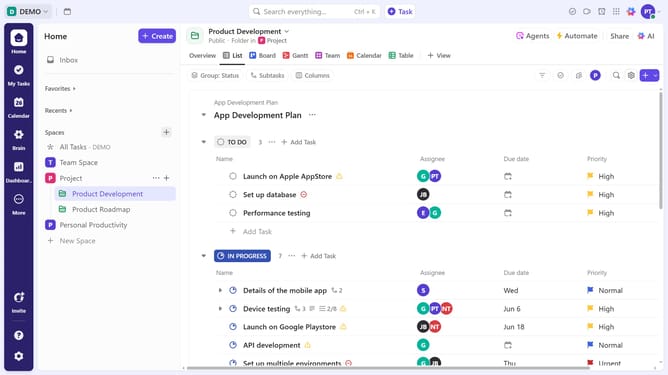
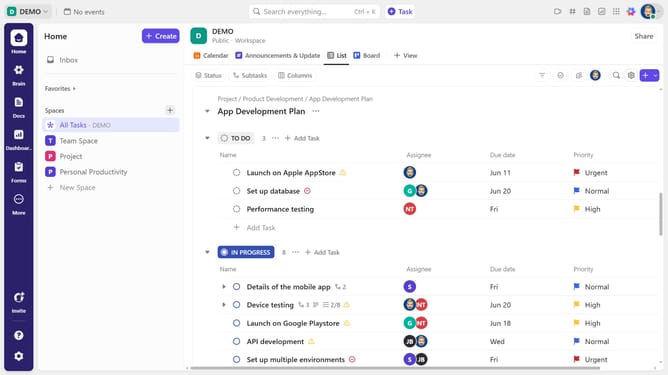
- First navigate to your preferred view from the Views Bar at the top (List, Table, Gantt, or Team view, etc)
- Next click on the "Customize" button in the top right toolbar
- Click on "Fields" option in the customize view panel
- Finally in the Fields settings, toggle on "Time Estimate" to display it
- Once enabled, Time Estimate will be visible in your selected view
Why should you view Time Estimates on a view in ClickUp
ClickUp is a versatile productivity platform designed to streamline teamwork and organization.
The Time Estimates feature in ClickUp enhances task management by allowing users to view estimated time allocations directly within their task views.
Accessing Time Estimates provides invaluable insights into workload distribution, enabling teams to prioritize effectively and maintain timelines. This ensures that projects are completed efficiently and keeps team members informed, reducing bottlenecks and fostering a cohesive workflow.
Last update