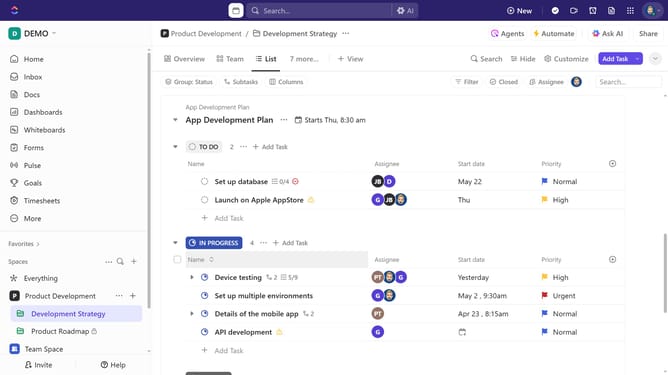
How to set a Calendar view as the default in ClickUp
Here is how to set a calendar view as the default in clickup
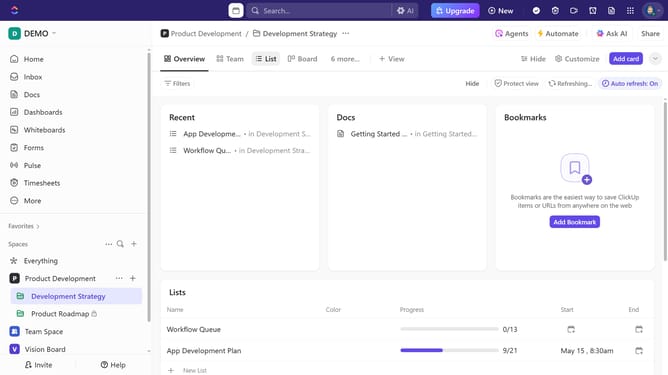
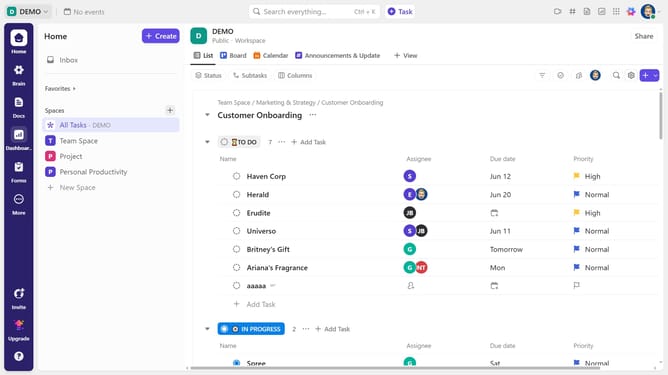
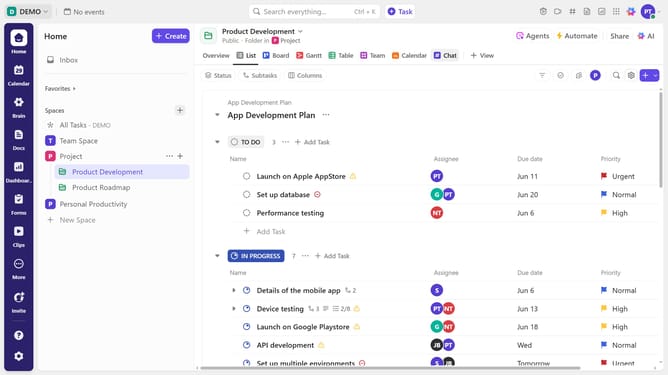
- First navigate to the Space, Folder, or List where the calendar view is located
- Next, click on the Calendar view you want to set as the default
- Then click on "Customize" button in the top right corner
- Toggle on the "Set as default view" option in the customize panel
- Finally click the "Save" button in the unsaved changes notification
- Your Calendar view is now the default, ensuring it appears first whenever you access that Space, Folder, or List
Why should you set a Calendar view as the default in ClickUp
ClickUp is a versatile productivity tool designed to optimize task management and team collaboration.
Setting the Calendar view as the default in ClickUp allows users to seamlessly track upcoming deadlines and scheduled tasks at a glance. This feature centralizes your scheduling needs, helping prioritize daily activities and long-term goals efficiently.
By focusing on what's ahead, teams can ensure that they are aligned on timelines and reduce the risk of overlooked tasks, enhancing overall productivity and time management.
Last update