How to move a folder to a different Space in ClickUp
Here is how to move a folder to a different space in clickup
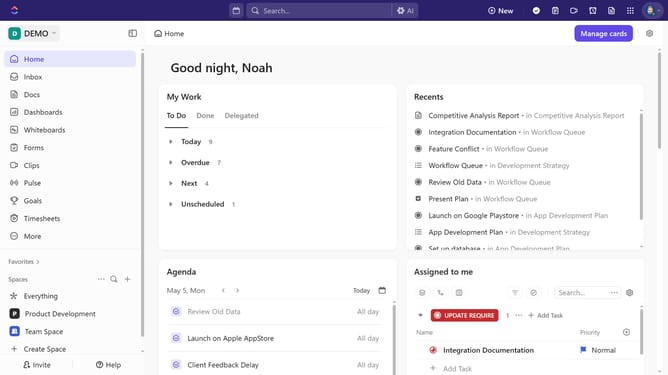
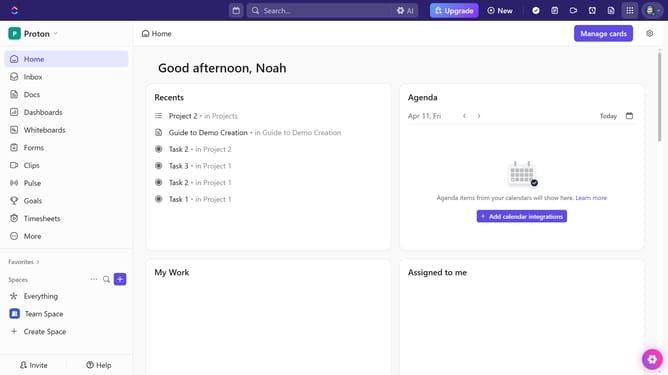
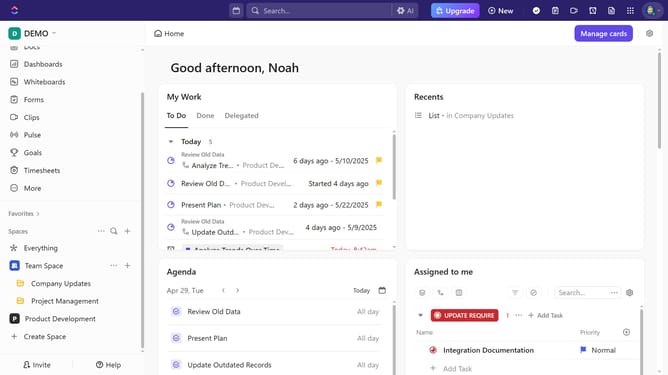
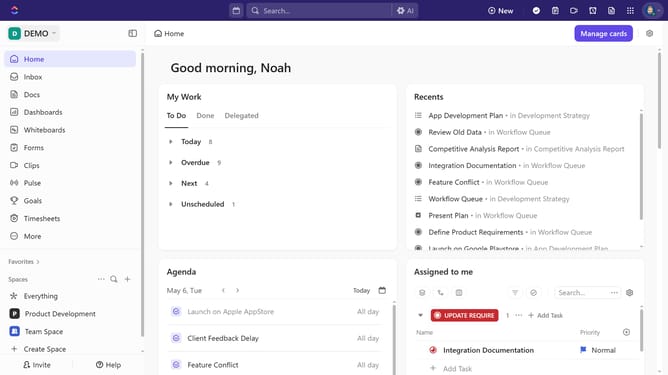
- First, in the left sidebar, locate the Space that contains the folder you want to move
- Then under the space, click on the "more options" button (three dots) next to the folder
- Next click on "Move" option in the dropdown menu
- In the move dialog, select the Space where you want to move the folder
- Alternatively, you can click and drag the folder you want to move
- Finally, release the folder in its new Space, and ClickUp will save the changes automatically
Why should you move a folder to a different Space in ClickUp
ClickUp is an all-in-one productivity platform designed to streamline project management and teamwork.
One of the standout features is the ability to move a folder to a different Space. This offers flexibility in organizing your workflows, allowing teams to adapt their structure as projects evolve.
By relocating folders, you ensure that resources are always in the most relevant context. This not only aids in better accessibility but also enhances collaboration across different projects and departments.
This feature is a testament to ClickUp's commitment to providing dynamic solutions for efficient project management.
Last update