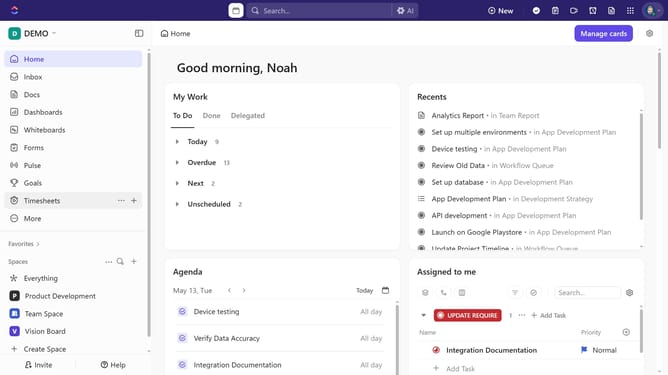
How to create a list in a folder in ClickUp
Here is how to create a list in a folder in clickup
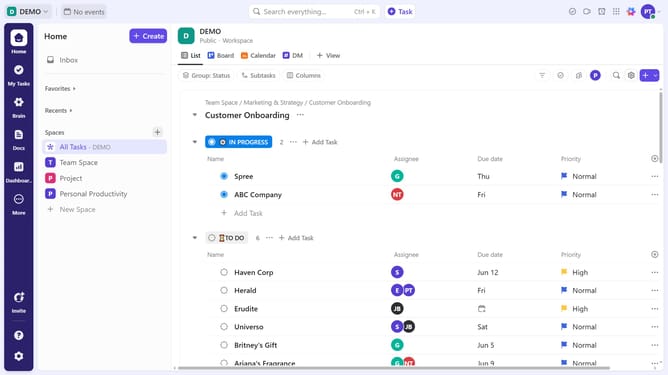
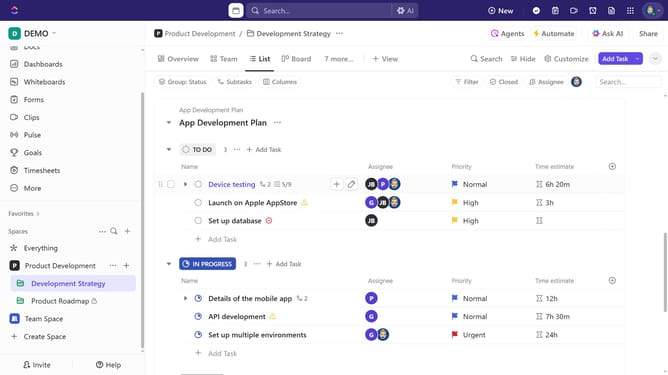
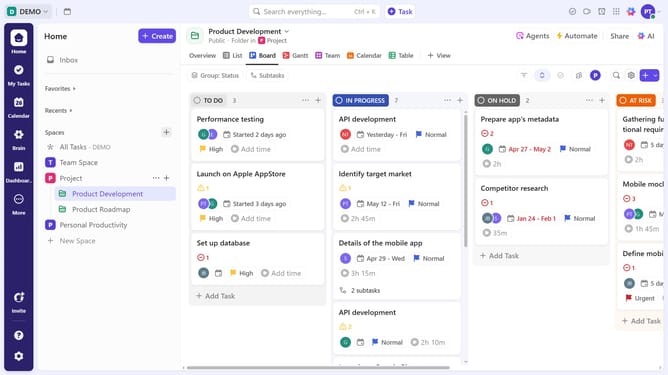
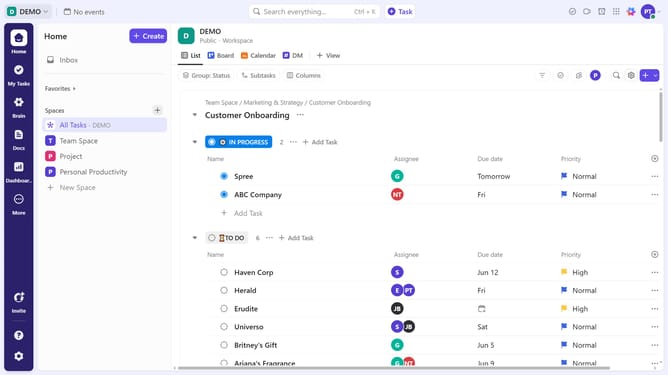
- First in the left sidebar, find the folder where you want to create the list
- Then click on the options menu (three dots) next to it
- Click on "Create new" option in the dropdown menu
- Select "List" from the submenu of create options
- In the Create List dialog, enter a name for the list in the name field
- Configure the privacy setting and then click the "Create" button
- To use a template, click on the "Use Templates" button
- In the Template Center, select the template that best fits your needs
- Next click the "Use Template" button in the template details view
- Enter a name for the list in the list name field
- Next customize the import options, and project dates as needed
- Finally click on "Use Template" button to create the list
Why should you create a list in a folder in ClickUp
ClickUp is an all-in-one productivity platform designed to streamline your team’s workflow.
Creating a list in a folder within ClickUp is a user-friendly way to organize tasks and projects efficiently. This feature lets you categorize and prioritize different items, ensuring no detail gets overlooked.
By structuring your lists within folders, you can effortlessly maintain clarity and focus. This organizational method helps in boosting productivity and enhancing collaboration across teams by presenting a clear roadmap of tasks and objectives.
Last update