How to schedule tasks from a Gantt view in ClickUp
Here is how to schedule tasks from a gantt view in clickup
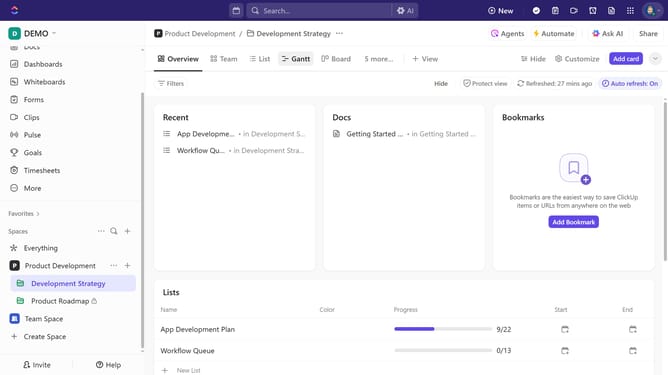
- First, click on your Gantt view in the Views Bar at the top
- Next locate the task you want to schedule in the Gantt sidebar
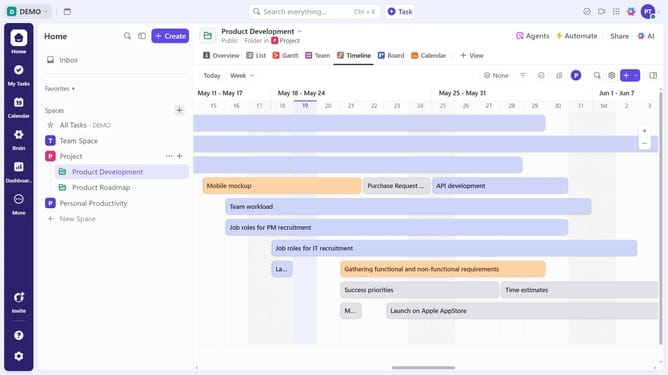
- On the Timeline, hover over the time, day, week, or month you want to schedule it
- Then click to schedule the task. This sets the start and due date on the task
- Finally click and drag the start and end brackets to adjust the start and due date
Why should you schedule tasks from a Gantt view in ClickUp
ClickUp is your all-in-one productivity platform that streamlines task management and empowers collaboration.
Scheduling tasks from a Gantt view in ClickUp offers a visual roadmap of your project timeline. This feature allows you to effortlessly organize, prioritize, and adjust task schedules with a simple drag-and-drop interface.
Utilizing the Gantt view helps enhance team synchronization, ensures deadline precision, and boosts overall project efficiency. Easily visualize dependencies and milestones, making coordination intuitive and straightforward.
Last update