How to delete a subtask in ClickUp
Here is how to delete a subtask in clickup
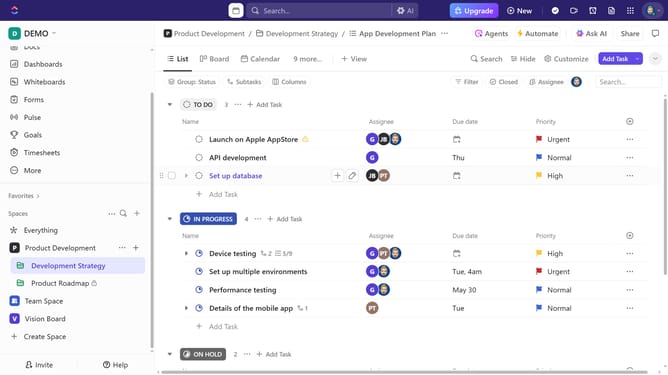
- First in the left sidebar, under the relevant Space, click on the Folder or List that contains the subtask
- Then in your preferred view, locate the task containing the subtask you want to delete
- Next click on the subtasks dropdown under the task
- Then click on the "more options" menu (three dots) next to the subtask you want to delete
- Finally click on "Delete" option in the dropdown menu to remove the subtask
Why should you delete a subtask in ClickUp
ClickUp is a versatile project management tool designed to streamline productivity for teams of any size.
An essential feature within ClickUp is the ability to delete a subtask, promoting an efficient task management system. Simplifying your workflow by removing unnecessary subtasks can refocus team efforts on current priorities.
This feature provides clarity, helping to avoid confusion and maintain the momentum necessary for successful project completion. Enjoy a tidier workspace and enhanced team collaboration by leveraging this intuitive function.
Last update