How to apply a template to an existing Doc in ClickUp
Here is how to apply a template to an existing doc in clickup
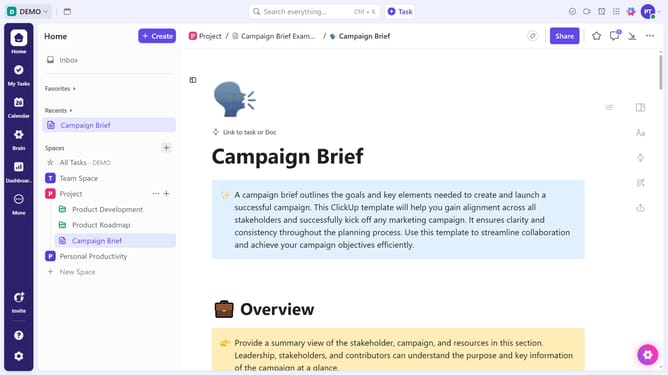
- First click on the "Docs" option in the left sidebar menu
- Then find the Doc where you want to apply a template in the document list
- Next click on the document action menu (three dots) next to it
- Click on the "Templates" option from the dropdown menu
- Select "Browse Templates" from the templates submenu
- Then find and select the template you want to use
- Finally click on the "Use Template" button in the template preview window
Why should you apply a template to an existing Doc in ClickUp
ClickUp is a powerful platform designed to streamline your work management processes effortlessly.
Applying a template to an existing Doc in ClickUp revitalizes your document without the effort of building from scratch. This feature ensures consistency across your team’s documents and enhances productivity by using pre-designed structures.
By leveraging templates, you can maintain a professional and cohesive appearance across all your documentation, saving time and ensuring clarity. This not only standardizes your workflow but also boosts efficiency seamlessly.
Last update