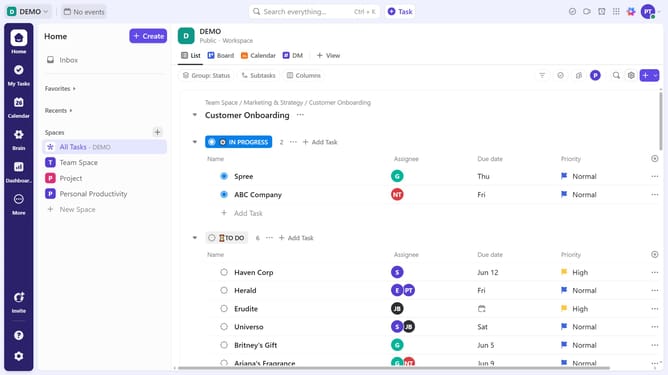
How to set a Time Estimates from a task in ClickUp
Here is how to set a time estimates from a task in clickup
- First click on the task where you want to add a Time Estimate
- Next click on the empty "Time Estimate" field in the task details panel
- Next in the Time Estimate popup window, enter the estimated time using natural language (e.g., "1 hour" or "30 mins")
- Under the Assignee Breakdown section, you can distribute the Time Estimate among assigned team members
Why should you set a Time Estimates from a task in ClickUp
ClickUp is a versatile project management tool designed to streamline team productivity and collaboration.
Setting a Time Estimate for tasks in ClickUp offers significant advantages by providing clear expectations for task duration and facilitating better planning. When you use this feature, you empower your team to manage their time more effectively, ensuring deadlines are met efficiently.
The ability to gauge task length helps optimize resources and prevents overloading staff, fostering a well-balanced work environment. Additionally, it enhances reporting and tracking, offering valuable insights into project timelines and performance.
Last update