How to merge subtasks in ClickUp
Here is how to merge subtasks in clickup
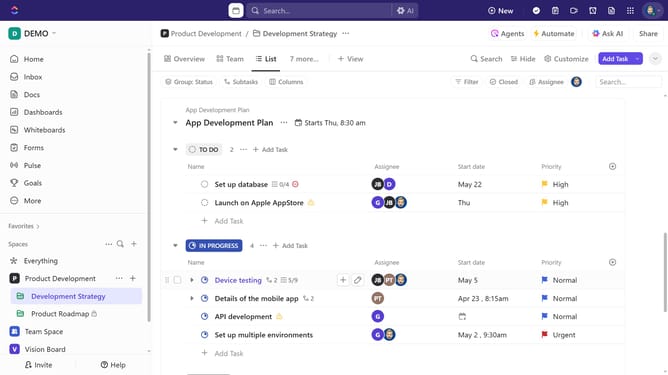
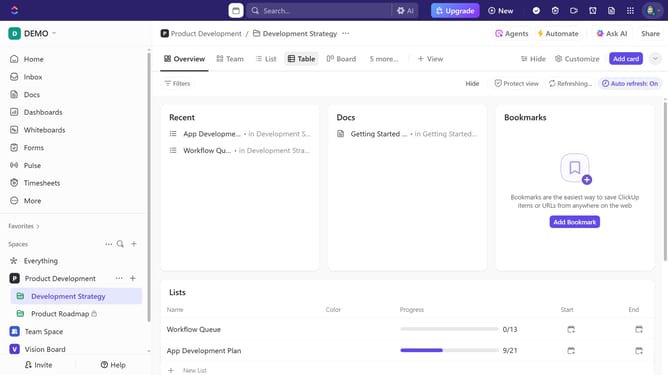
- First in the left sidebar, under the relevant Space, click on the Folder or List that contains the subtasks
- Then in your preferred view, locate the task containing the subtasks you want to merge
- Next click on the expand subtasks next to the task
- Click on the "Actions menu" (three dots) next to the subtask you want to merge
- Select the "Merge" option from the task actions menu
- Alternatively, you can select one or multiple subtasks by clicking their checkboxes
- Next click the "More" button in the bottom task selection bar
- Select "Merge Tasks" from the expanded options menu
- Then search and select the subtask where you want the other one to be merged into
- Finally, click on the "Merge" button to complete the process
Why should you merge subtasks in ClickUp
ClickUp is a versatile project management tool designed to streamline team collaboration and productivity.
With its Merge Subtasks feature, ClickUp simplifies task management by allowing users to consolidate related subtasks under a single parent task.
This not only declutters your workspace, making it easier to manage projects, but also enhances focus by centralizing all task-related information in one place.
Ultimately, merging subtasks optimizes workflow and boosts overall team efficiency.
Last update