How to share a task in ClickUp
Here is how to share a task in clickup
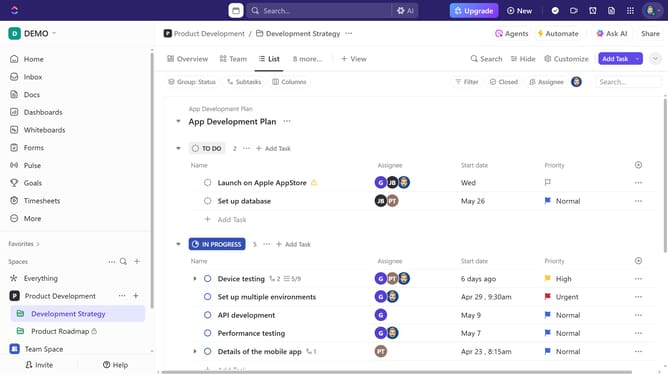
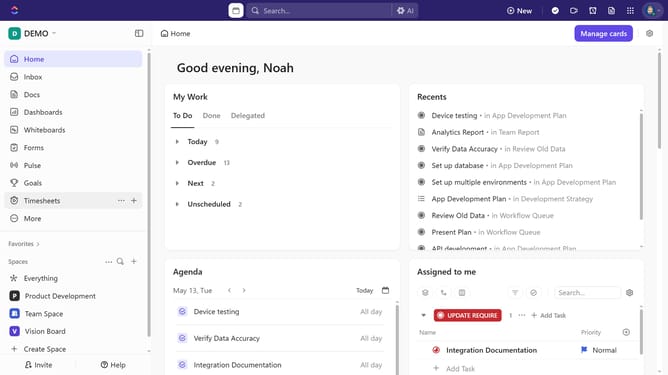
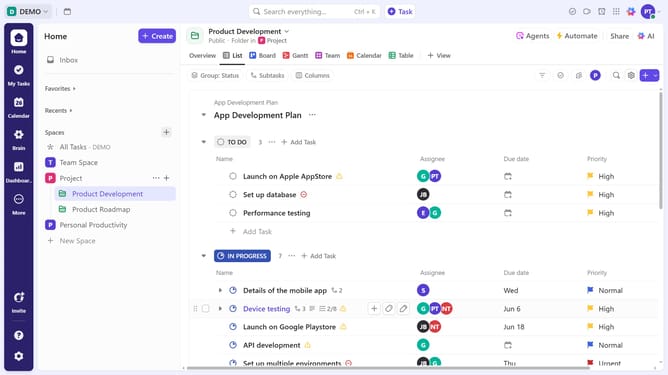
- First click on the task you want to share in the task list
- Then click the "Share" button in the top right corner of the task details
- Copy the "Private link" if you want to share the task only with team members
- To share with anyone, toggle the "Share link with anyone" option
- Under the advance settings, configure the expire link, share task properties, and more
- Once done, click on the "Copy public link" and share it with anyone—no invite needed
- Alternatively, click on the "Invite by name or email" input field
- Enter the email address of the person you want to invite and click on the suggested email
- To add an additional recipient, enter their email address in the "Invite by name or email" field
- Next click on the "Invite as" dropdown menu to select the permission level
- Select a permission type from the role options dropdown
- If you choose "Limited Member", you need to specify the access level to define their permissions within the task
- Finally click the "Send Invite" button to send the invitation and share the task
Why should you share a task in ClickUp
ClickUp is a versatile project management tool designed to streamline productivity through effective task management.
The "Share Task" feature in ClickUp seamlessly allows team members to collaborate by making specific tasks visible to others within or outside the organization.
This empowers teams to work collaboratively, ensuring everyone is on the same page and contributing effectively.
By using this feature, clarity and transparency are enhanced, promoting efficient progress tracking and goal achievement.
Last update