How to filter tasks by start dates in ClickUp
Here is how to filter tasks by start dates in clickup
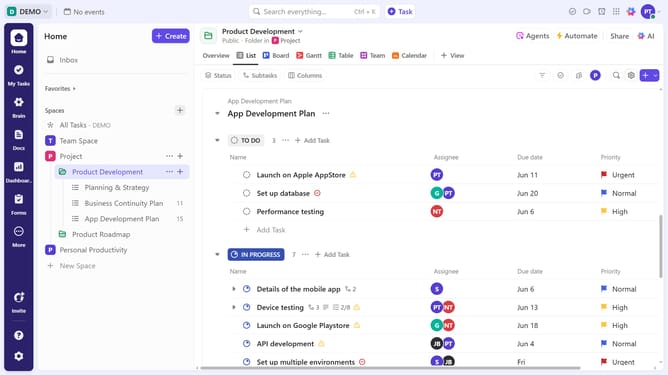
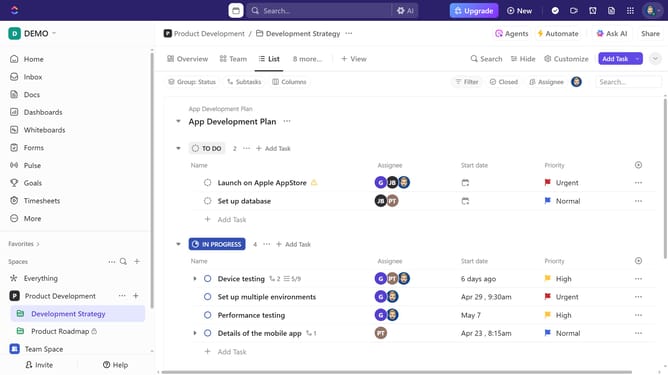
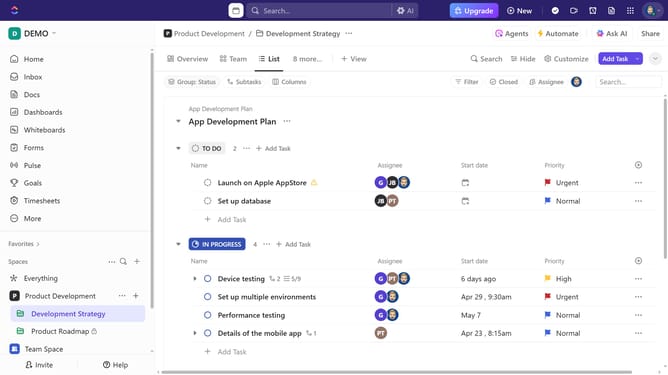
- First navigate to the List view from the views bar at the top navigation
- Next click on the "Filter" button in the task list toolbar
- Click the "Select filter" dropdown and select "Start date" from the dropdown menu
- Then click on "Select option" in the filter criteria dropdown
- Finally choose a date range or specific conditions from the date options dropdown menu (e.g., "Before today" or "Next 7 days")
Why should you filter tasks by start dates in ClickUp
ClickUp is a versatile platform designed to streamline task management and enhance productivity.
By utilizing the "filter tasks by start dates" feature in ClickUp, you easily gain a clearer view of your project timelines.
This ability allows you to align your daily priorities efficiently, ensuring that pressing matters take precedence.
With such clarity, managing deadlines and resources becomes a breeze, significantly boosting your overall operational efficiency.
Last update