How to assign a subtask to team members in ClickUp
Here is how to assign a subtask to team members in clickup
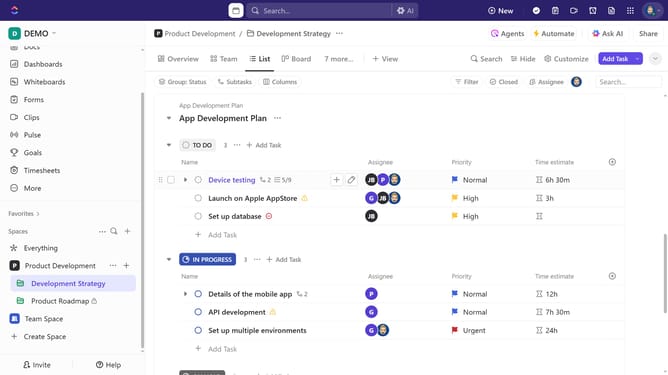
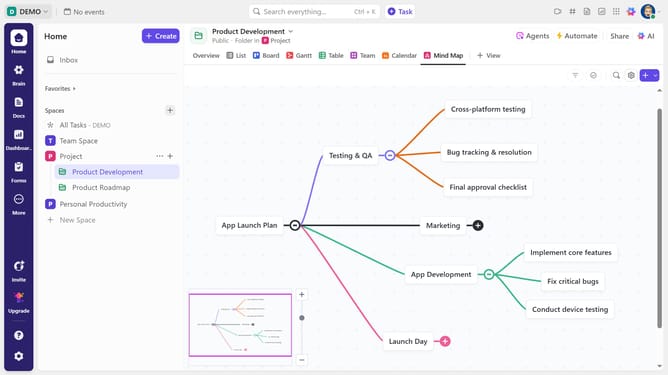
- First in the left sidebar, under the relevant Space, click on the Folder or List that contains the subtask
- Then in your preferred view, locate the task containing the subtask you want to assign
- Next click on the subtasks dropdown menu under the task
- Then click on the subtask to view its details
- Click on the empty "Assignees" field in the task details
- Finally, select one or multiple team members from the assignee dropdown menu
- The subtask will now be assigned to the selected team members
Why should you assign a subtask to team members in ClickUp
ClickUp is a versatile project management tool designed to streamline workflows and boost team productivity.
One of its standout features is the ability to assign subtasks to team members, ensuring that every element of a project is accounted for and covered by the right person. By breaking down tasks into manageable parts, projects become more organized and clear, enabling team members to focus on specific areas without overlap.
This feature not only improves accountability but also enhances collaboration by encouraging clear communication and ownership of responsibilities within the team.
Last update