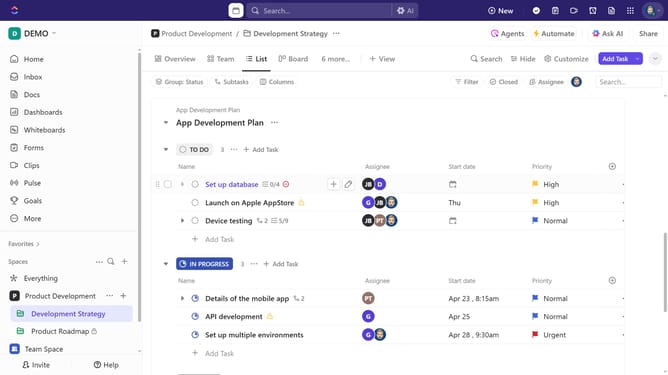
How to view Time Estimates on a task in ClickUp
Here is how to view time estimates on a task in clickup
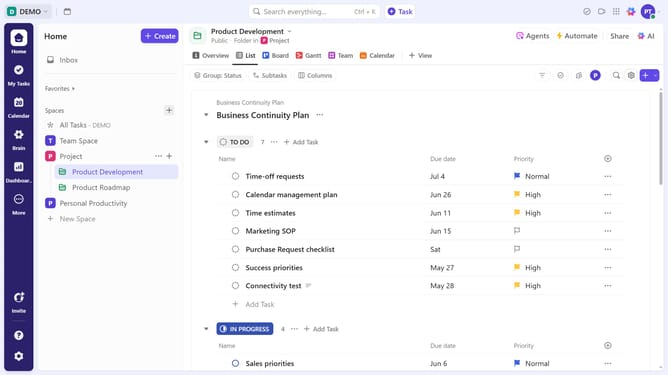
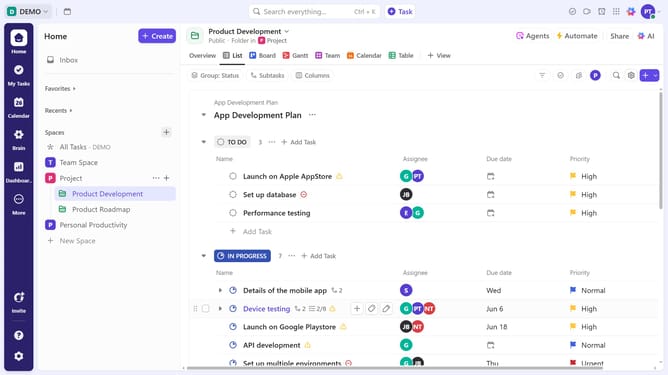
- First, click on the task you want to view the Time Estimate
- Next click on the "Time Estimate" field in the task details panel
- In the Time Estimate popup, you can view the total estimated time along with a breakdown of time estimates per assignee
Why should you view Time Estimates on a task in ClickUp
ClickUp is a powerful, all-in-one productivity platform designed to streamline project management and collaboration.
One standout feature is the ability to view Time Estimates on tasks. This feature provides a clear overview of how much time is expected for each task, enhancing planning and efficiency.
Understanding Time Estimates helps teams allocate resources wisely and set achievable deadlines. It also promotes transparency, ensuring everyone is aligned on project timelines.
Ultimately, this feature supports better decision-making and improved productivity across projects.
Last update