How to set a folder color in ClickUp
Here is how to set a folder color in clickup
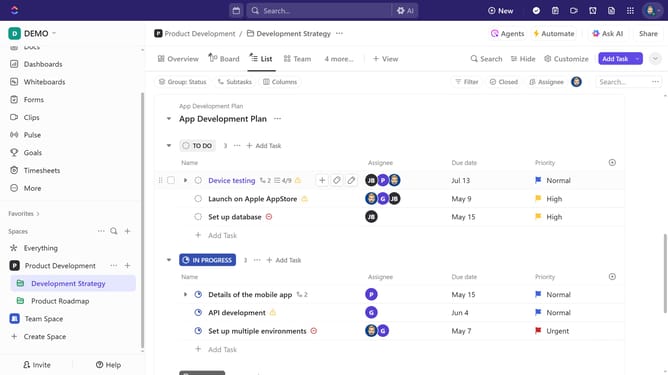
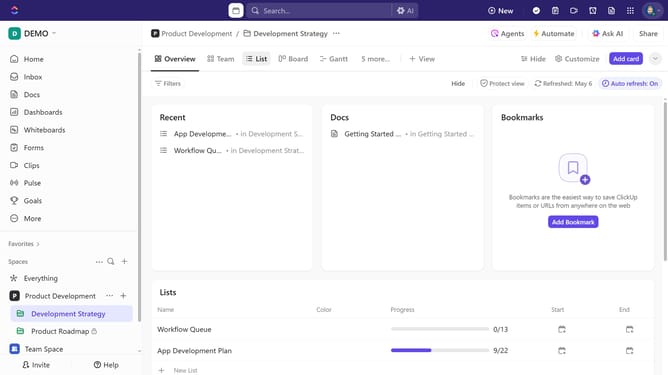
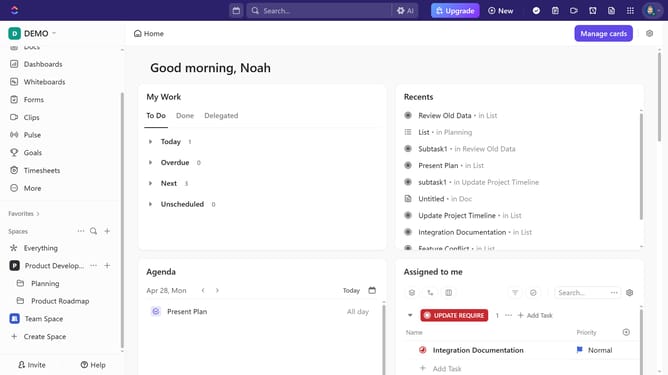
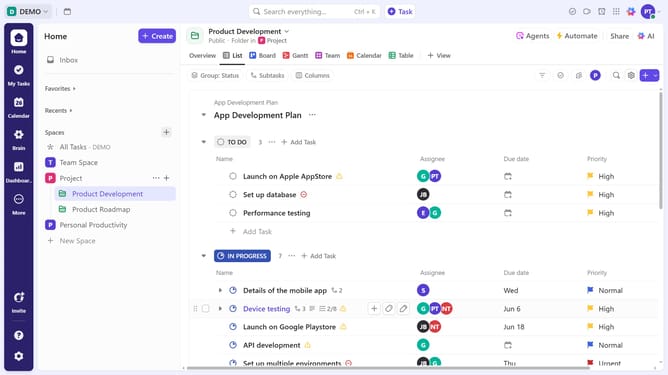
- First find the folder you want to customize the color in the left sidebar
- Then click on the "Actions menu" (three dots) next to it
- Next click on "Folder settings" option in the dropdown menu
- Select "Folder color" from the submenu that appears
- Finally, click on your desired color option in the color picker popup to apply it to the folder, and to add new color click the "Add/edit"
Why should you set a folder color in ClickUp
ClickUp is a versatile and intuitive platform designed to streamline project management and enhance productivity.
One of its standout features is the ability to set folder colors, adding a visual layer of organization. This feature allows users to quickly identify categories or priorities at a glance, improving navigation and task management.
Color-coding folders not only boosts efficiency but also facilitates a personalized workspace that reflects unique workflows and preferences, making complex projects more manageable and engaging.
Last update