How to edit the permissions setting for Pulse in ClickUp
Here is how to edit the permissions setting for pulse in clickup
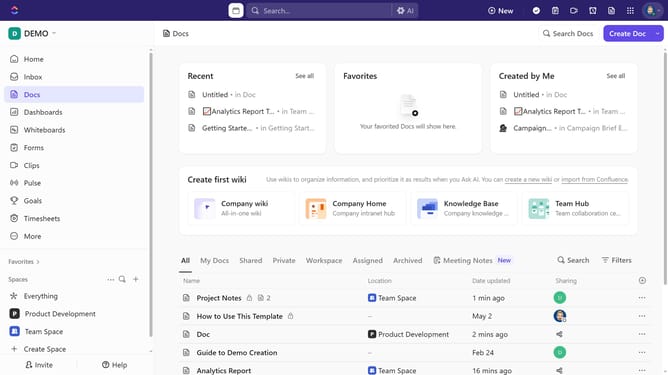
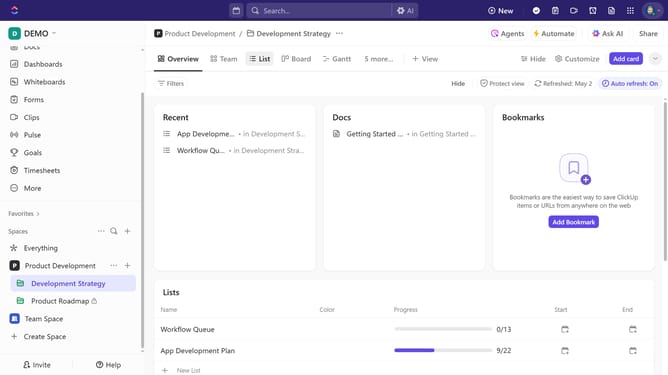
- First navigate to the Sidebar and click the "Pulse" option
- Hover over the upper-right corner below People Online chart, then click the ellipsis (three dots) to open Admin settings
- Click on the "Permissions" option from the dropdown menu
- Finally, select between "Members only" or "Admins only" from the permissions settings menu
Why should you edit the permissions setting for Pulse in ClickUp
ClickUp is a versatile platform designed to improve productivity through seamless project management.
Editing permissions for the Pulse feature in ClickUp enhances team collaboration by allowing users to customize accessibility based on roles. This flexibility ensures that each team member can access the relevant data while maintaining data integrity and security.
By managing permissions, teams can streamline communication, reduce unnecessary data exposure, and empower team members to contribute effectively, supporting a focused and efficient workflow.
Last update