How to rename a checklist item in ClickUp
Here is how to rename a checklist item in clickup
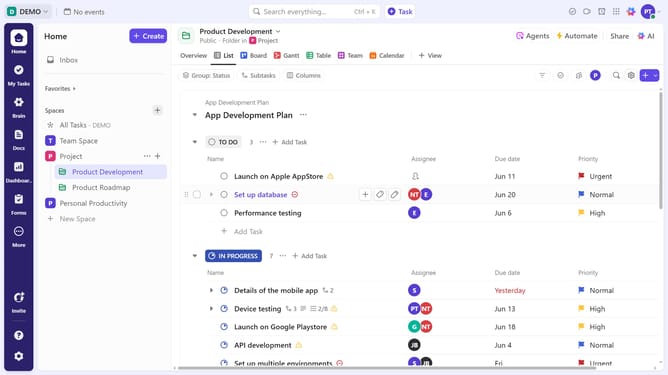
- First in the task list, find and click on the task containing the checklist
- Then in the task details view, scroll down to the "Checklists" section
- Locate the specific checklist item you want to rename and click directly on its name to edit it
- Another option is to click the "More options" (three dots) next the checklist item
- Then select the "Rename" option in the dropdown menu
- Finally, type the new checklist item name and press" Enter "to save
Why should you rename a checklist item in ClickUp
ClickUp revolutionizes task management with its versatile, all-in-one productivity platform.
Renaming a checklist item in ClickUp is a seamless feature that enhances task clarity and efficiency.
This capability allows you to adjust task descriptions without affecting the structure, ensuring that all team members are on the same page.
By quickly updating checklist items, you maintain flexibility and adaptability in your project management approach, paving the way for more organized and effective task execution.
Last update